Omni Video Downloader
Video downloads with a clean, simple interface.
A video downloader designed to support downloads from a wide range of websites.
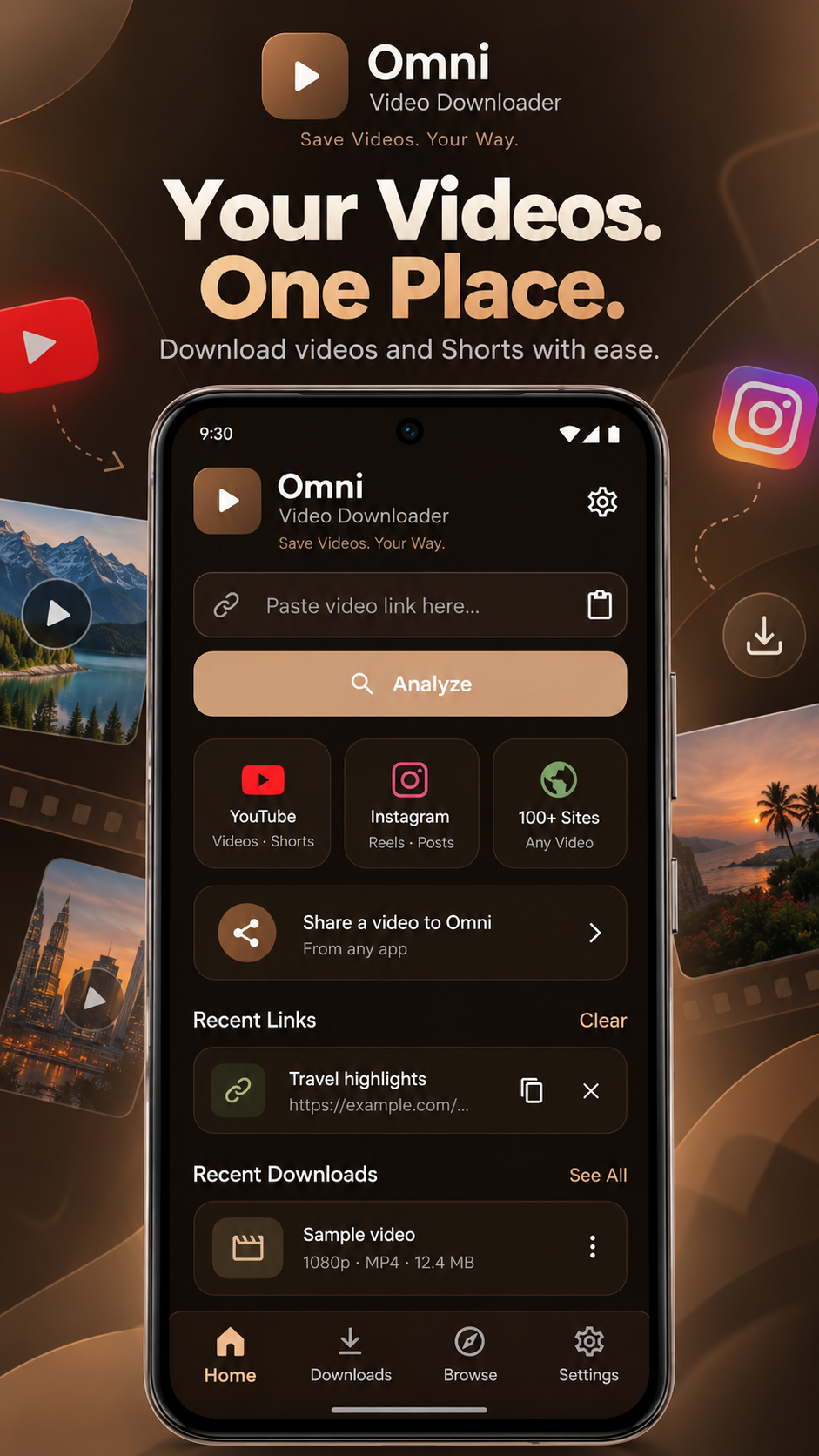
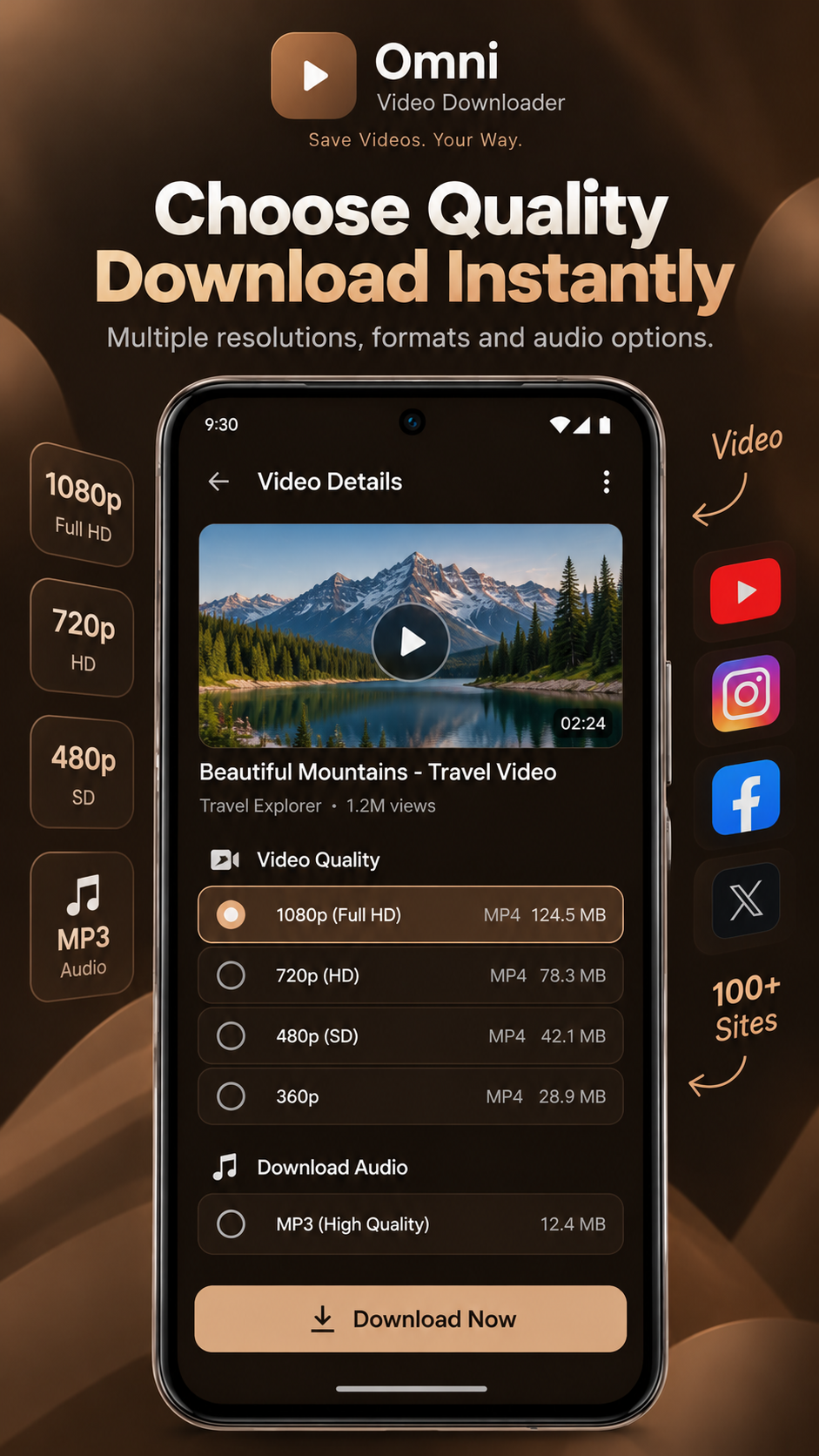
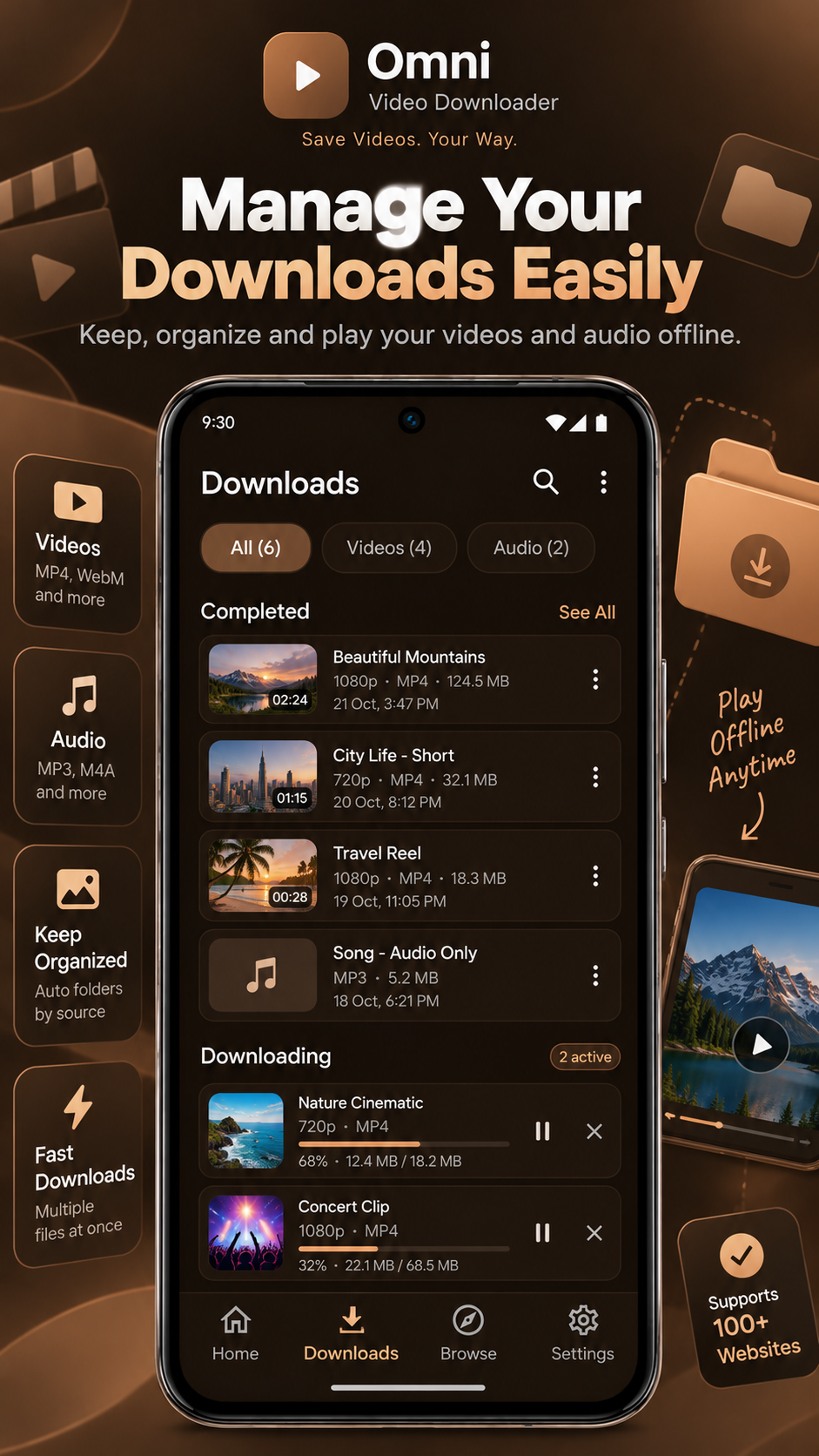
// Screenshots
Demo mockups — click any screen to enlarge.
// Overview
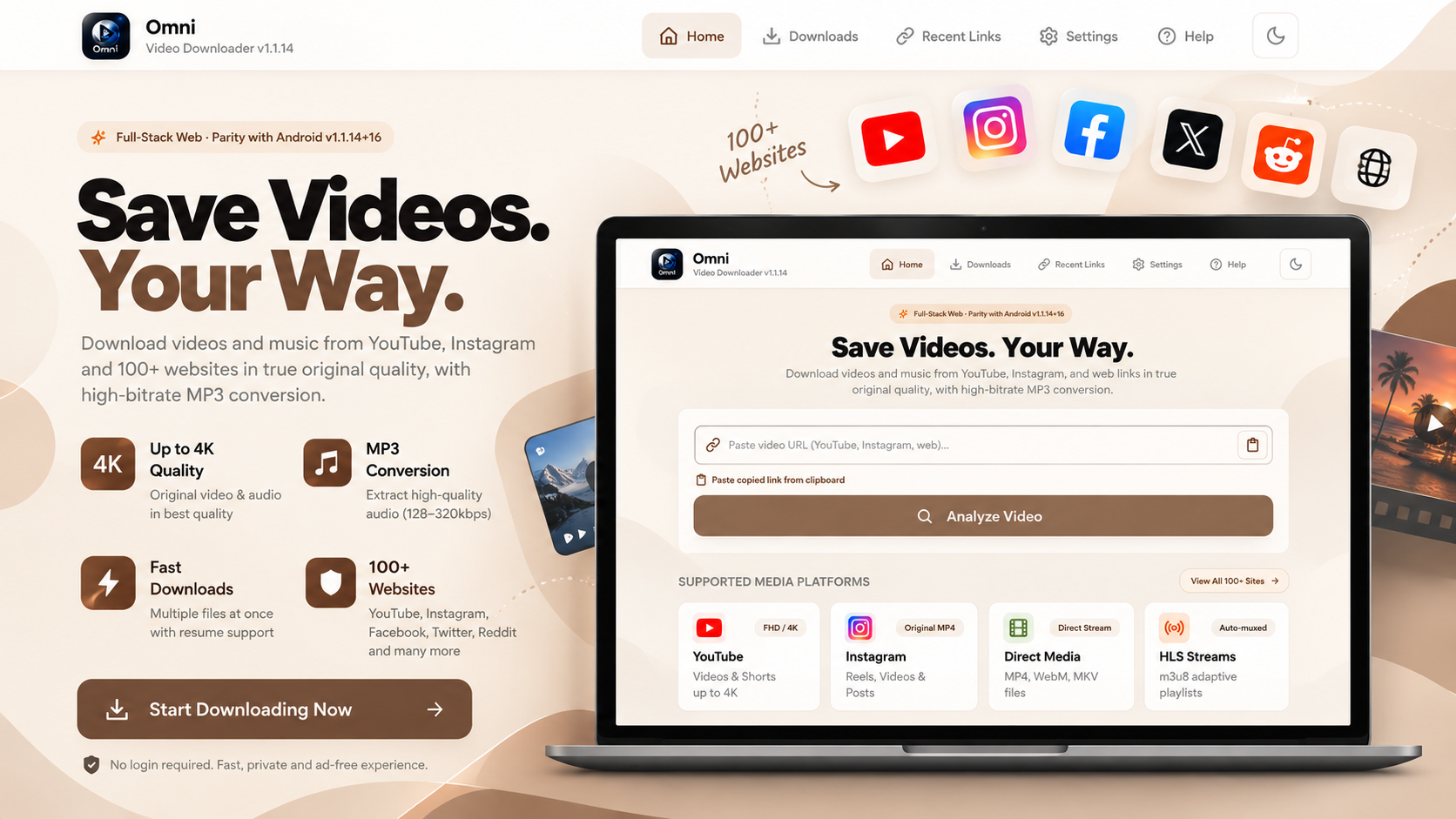
Omni is my most-used project. Paste a link, let Omni analyse it, pick from the available media and quality options and follow the download progress — all in a clean, distraction-free interface. Support depends on each website and on what content is publicly available.
Key features
Video analysis
Paste a link and Omni checks what media is available.
Quality options
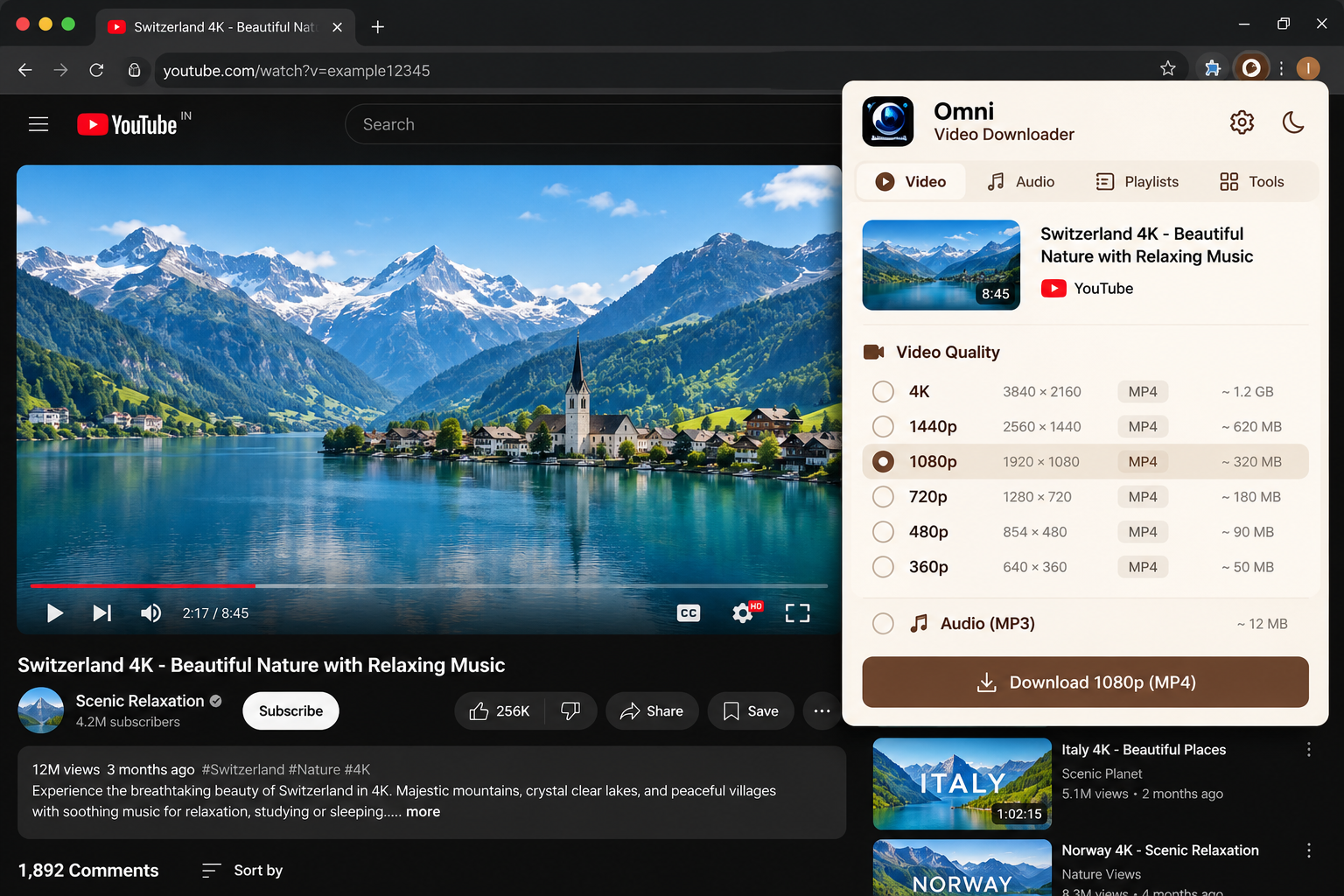
Choose from the formats and qualities the source provides.
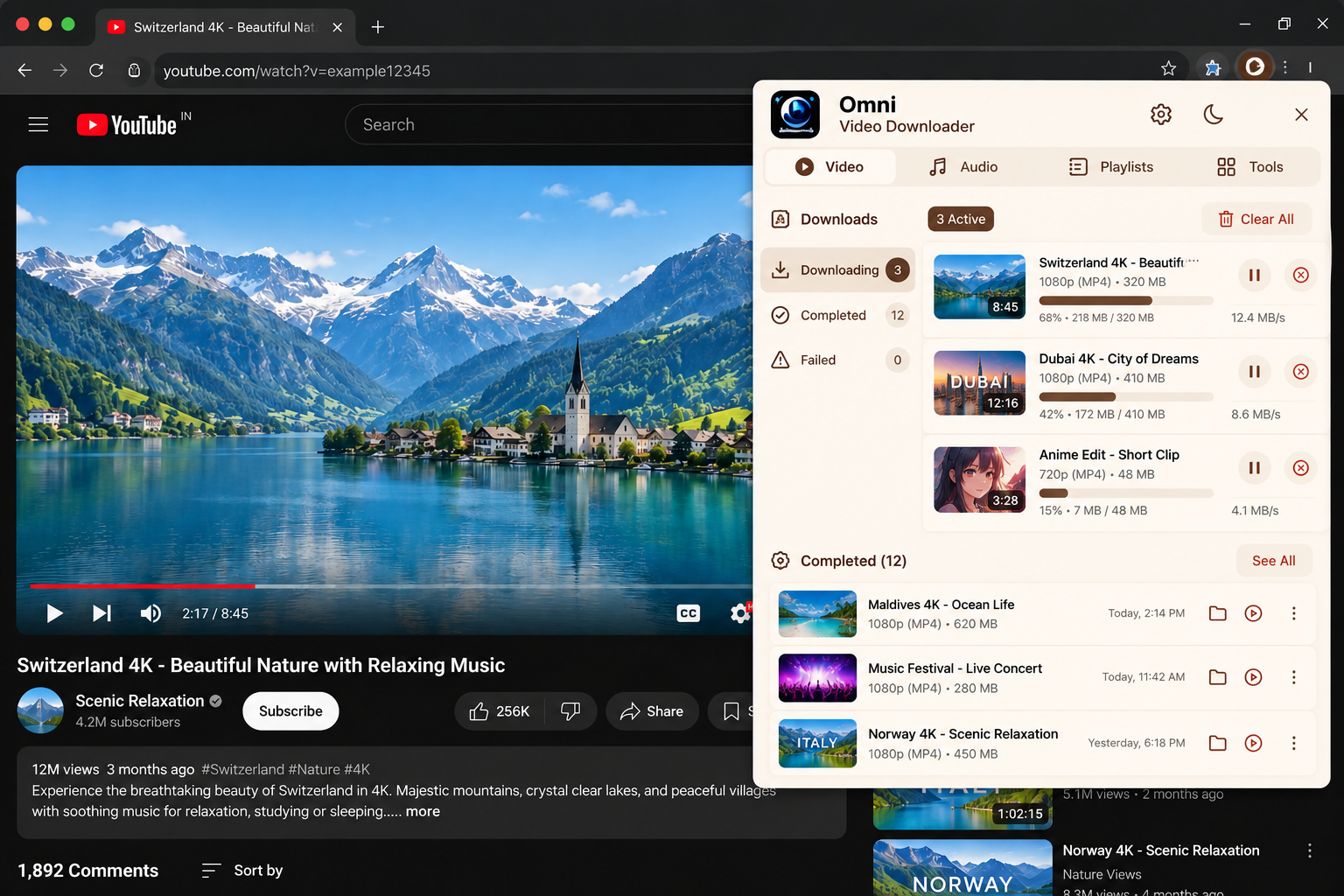
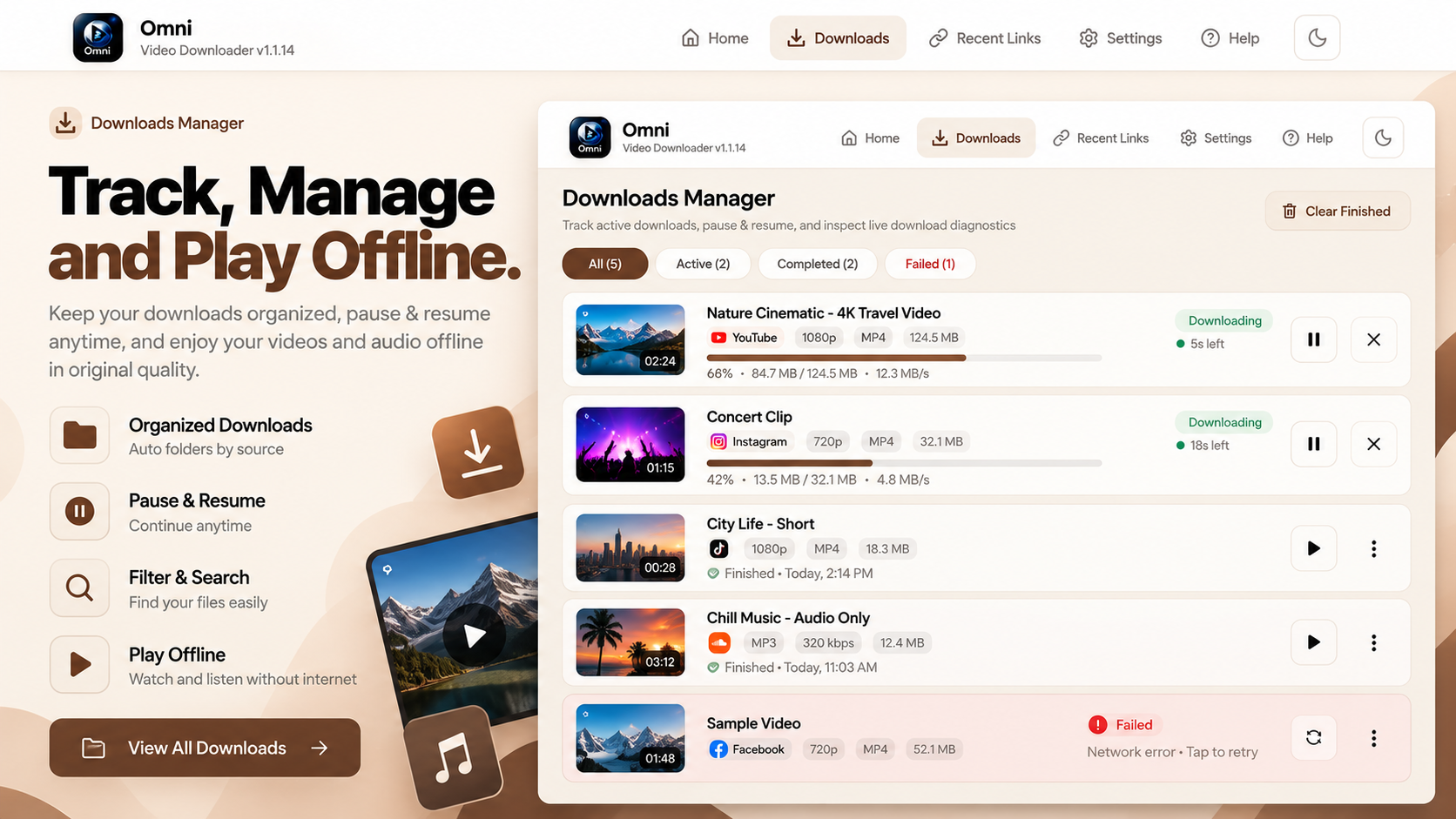
Download progress
Follow active downloads with a clear progress view.
// Setup guide — 5 steps
- 1
Download the APK
Select the Download APK button for Omni Video Downloader and save the installation file from the configured source.
- 2
Locate the file
Open your device's Downloads folder or your browser's download history.
- 3
Start installation
Open the APK file. If Android asks for permission to install apps from that source, review it and enable it only if you trust the source.
- 4
Install the application
Follow the Android installation screen and wait for installation to finish.
- 5
Open and explore
Launch Omni Video Downloader and explore its available features.
Note: APK installation behaviour can vary between Android versions and device manufacturers.
Limitations & compatibility
- Not every website is supported; compatibility depends on the source.
- Only download content you have the right to save.