Omni Video Downloader Extension
Omni from your browser toolbar.
A browser extension for downloading supported online videos from a wide range of websites.
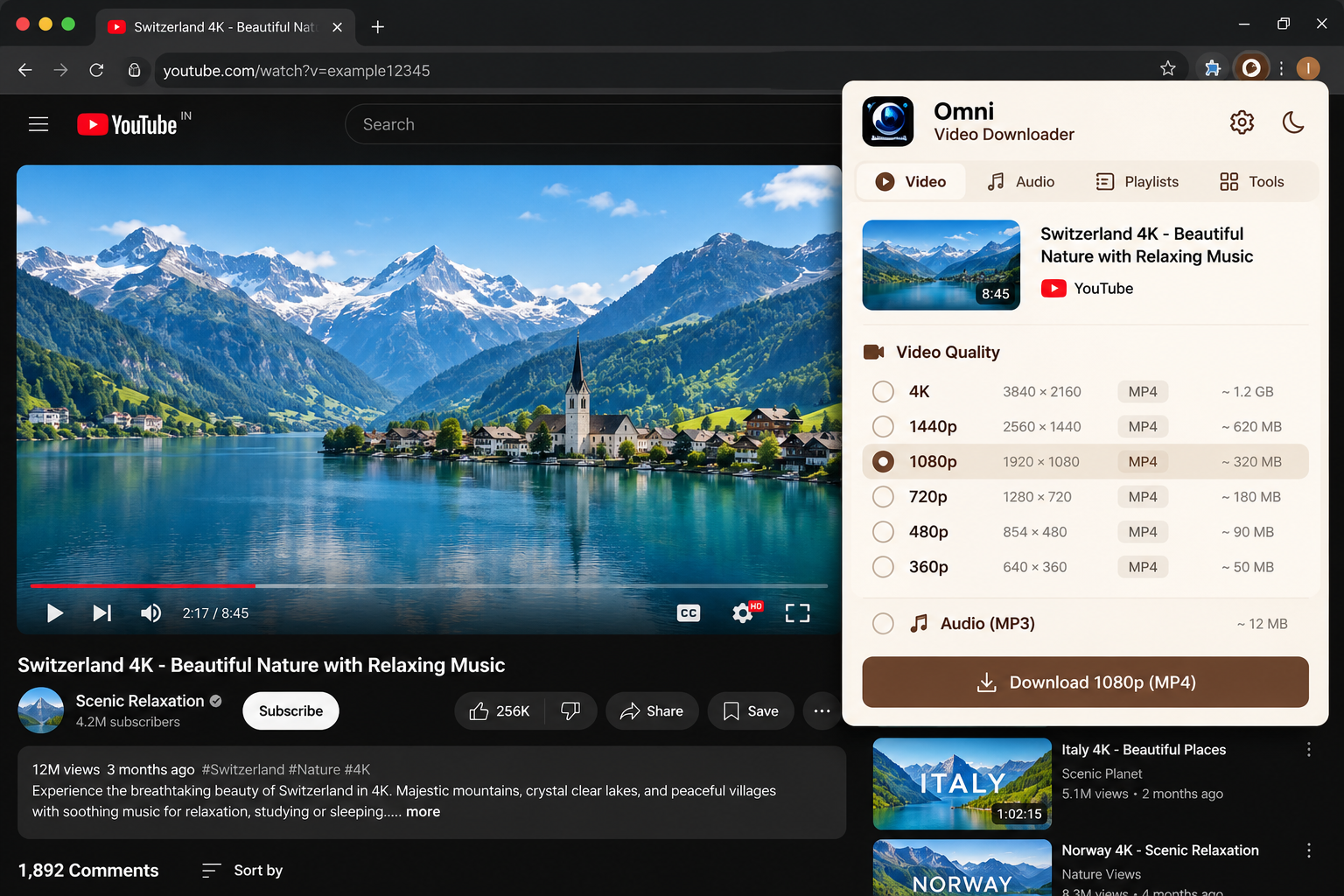
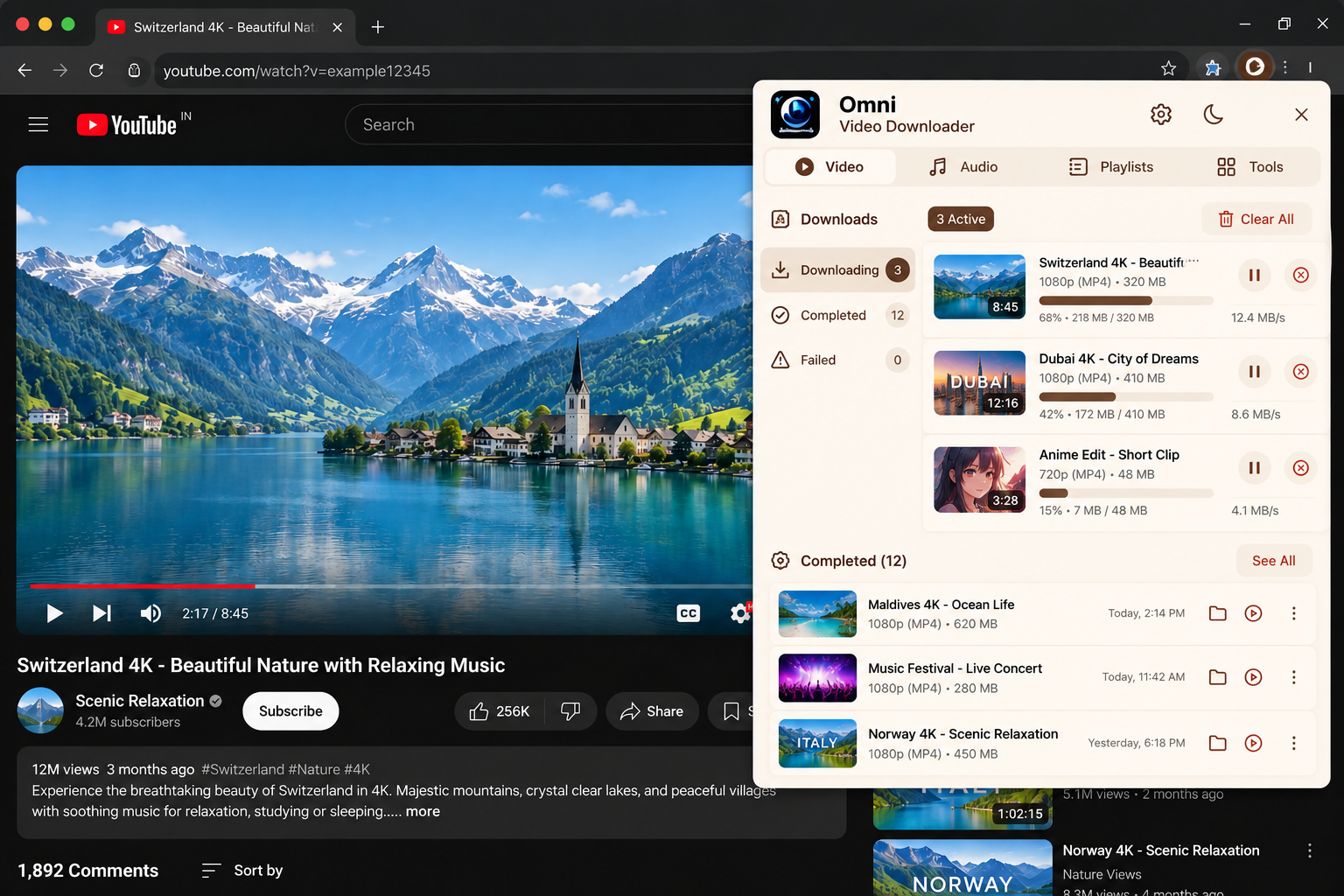
// Screenshots
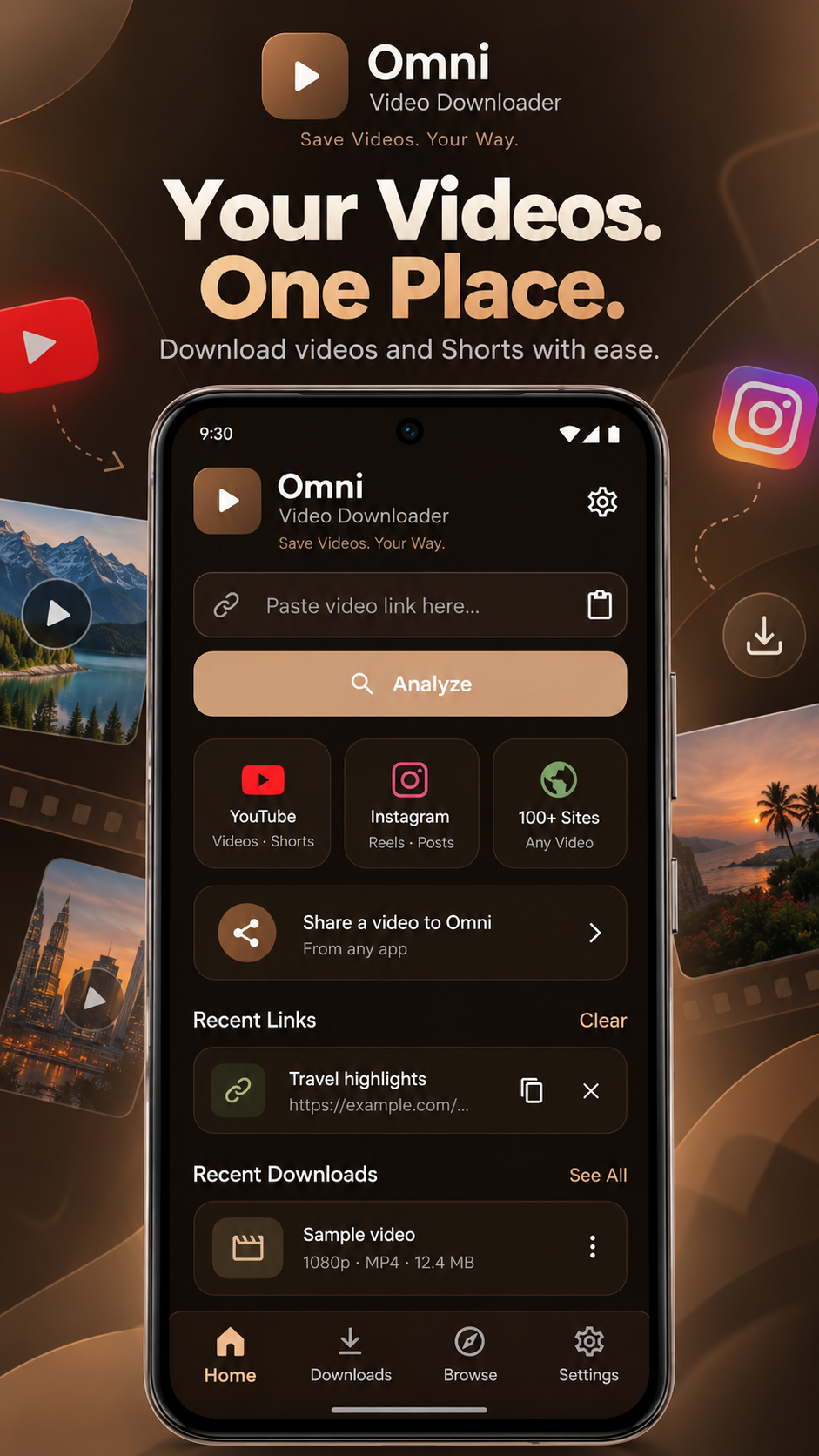
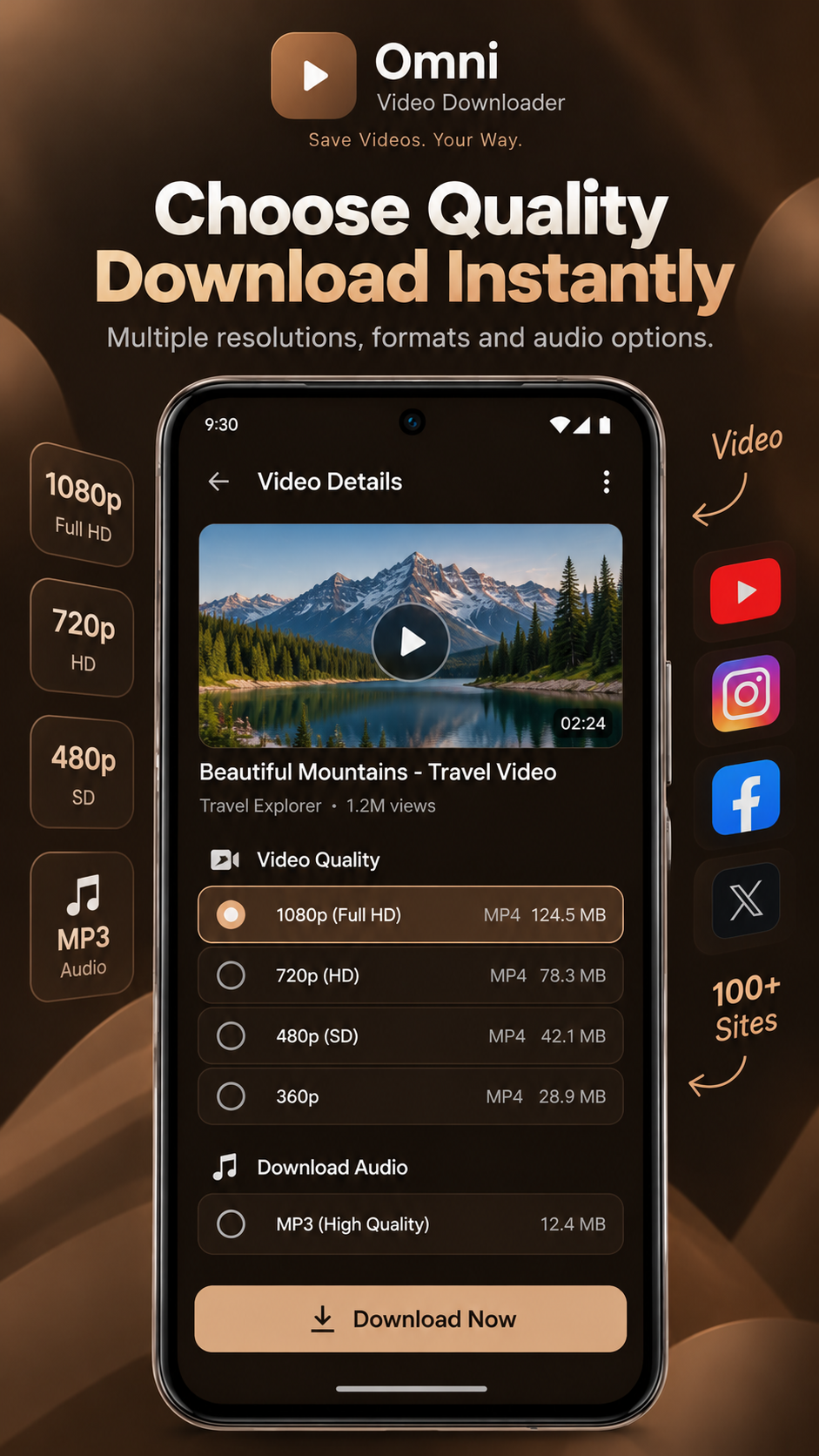
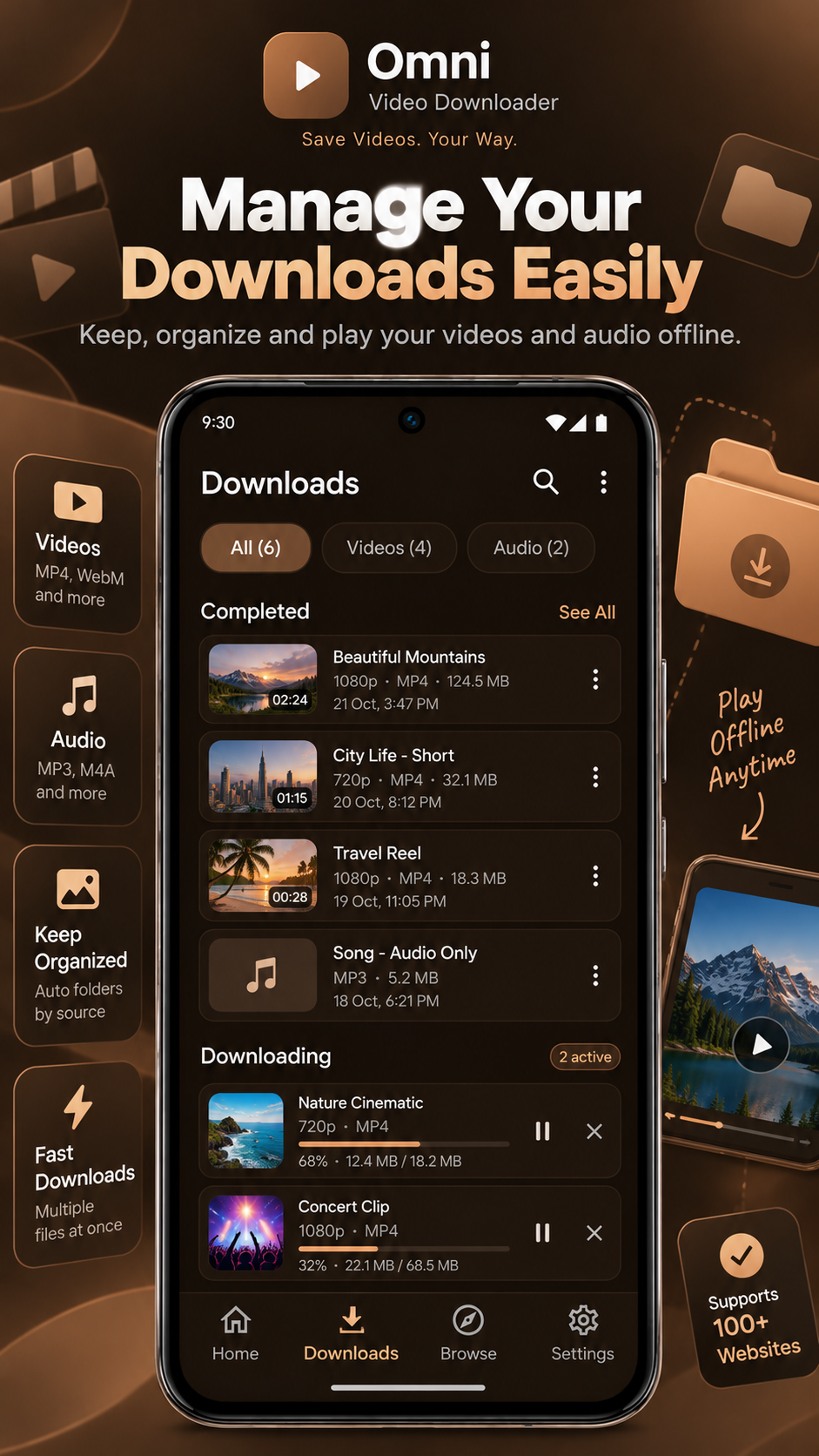
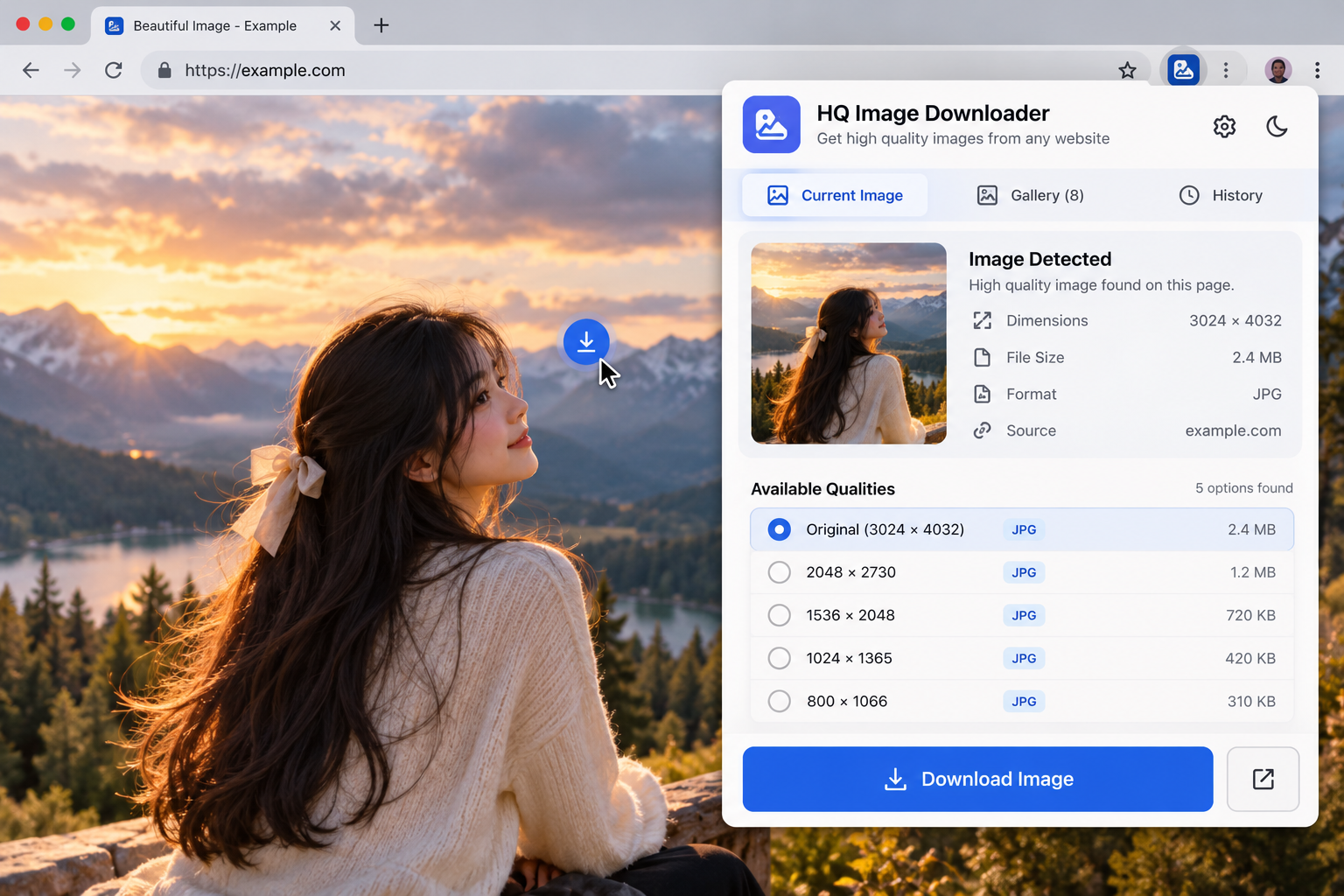
Demo mockups — click any screen to enlarge.
// Overview
The Omni extension detects supported media on the page you're viewing and lets you pick a format from a compact toolbar popup — no copying links between tabs.
Key features
Toolbar popup
Open Omni from the browser toolbar on any page.
Media detection
Lists supported media found on the current page.
Format choice
Pick from the qualities the source makes available.
// Setup guide — 5 steps
- 1
Obtain the extension
Download the supplied Omni Video Downloader Extension extension package.
- 2
Prepare the package
Extract the ZIP archive into a folder you'll keep.
- 3
Open extension management
Navigate to your browser's extensions page (for example chrome://extensions).
- 4
Install the extension
Enable Developer Mode if required, choose Load Unpacked and select the extracted folder.
- 5
Open and use
Open Omni Video Downloader Extension from the browser toolbar or extensions menu and explore what it can do.
Only load unpacked extensions from a source you trust. Never disable browser security checks to install an extension.
Limitations & compatibility
- Not every website or protected media format is supported.