Pocket Knife
Document & image tools in your pocket.
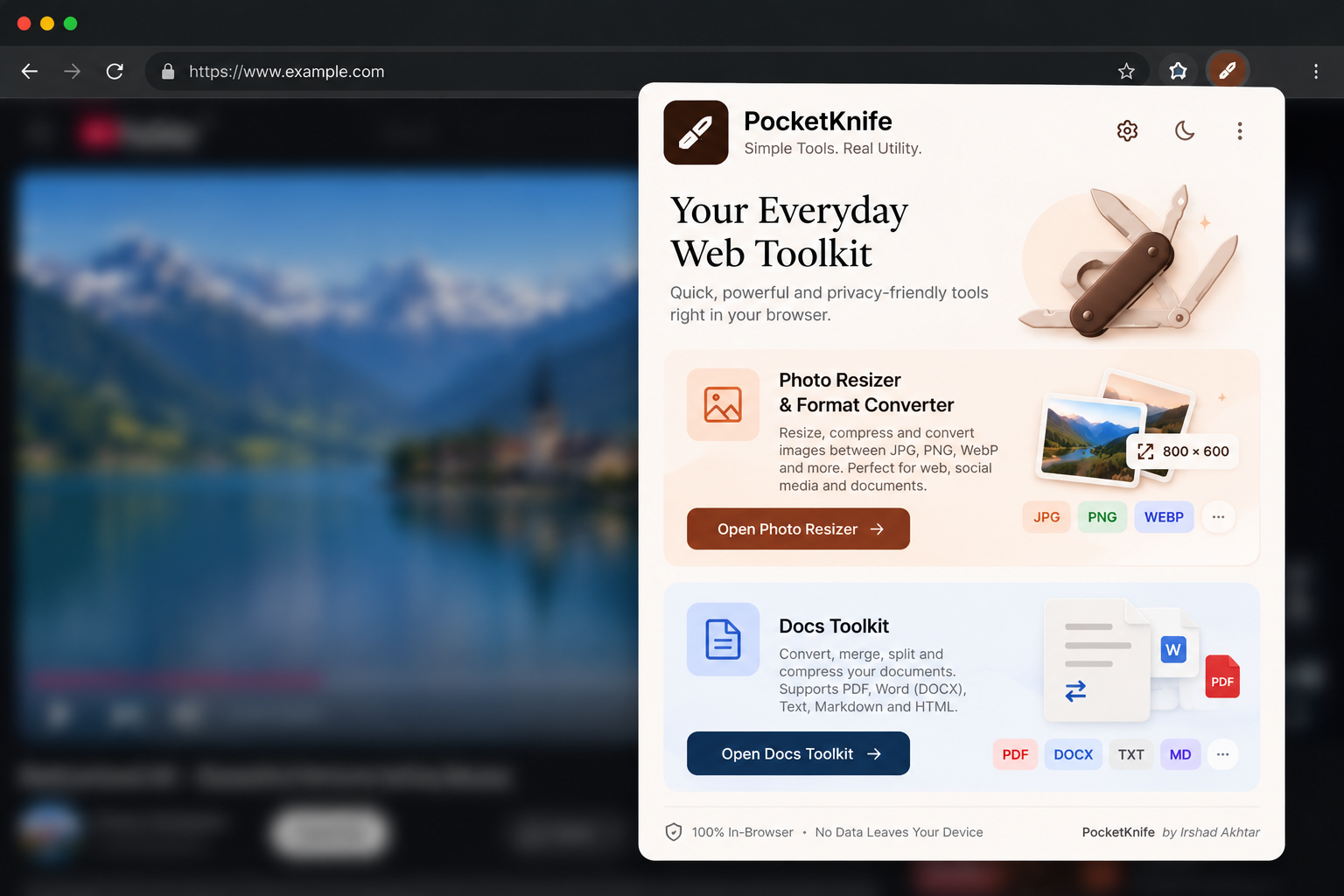
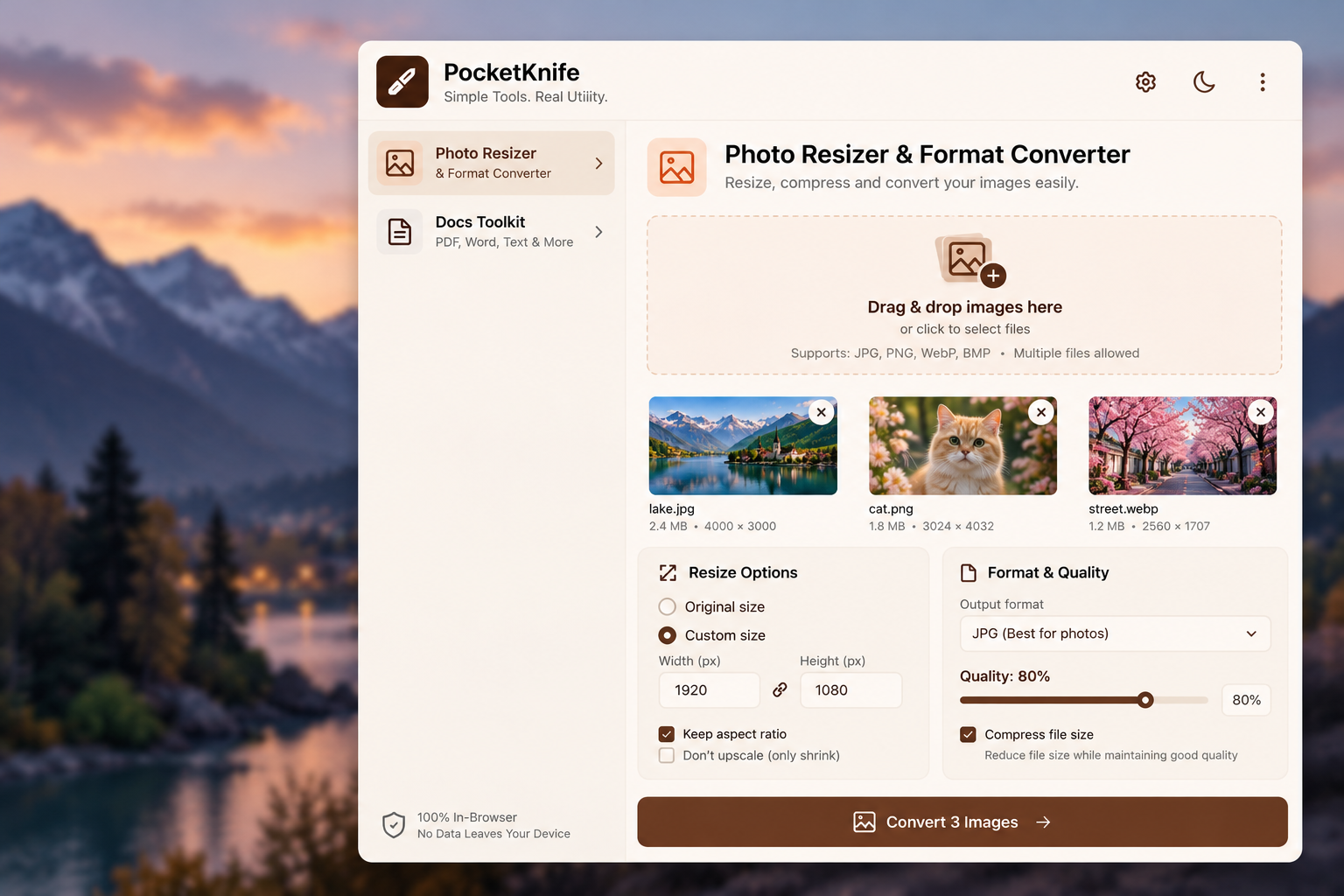
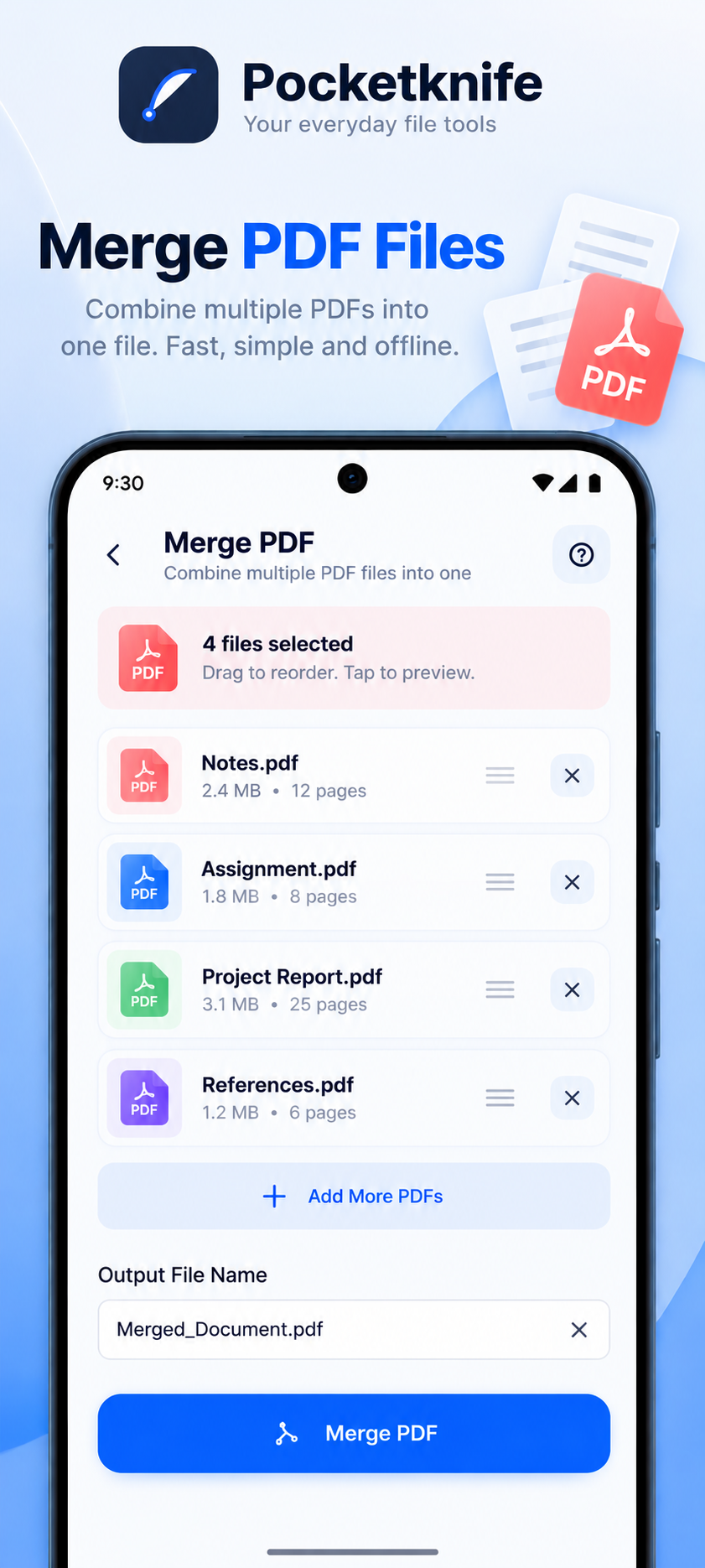
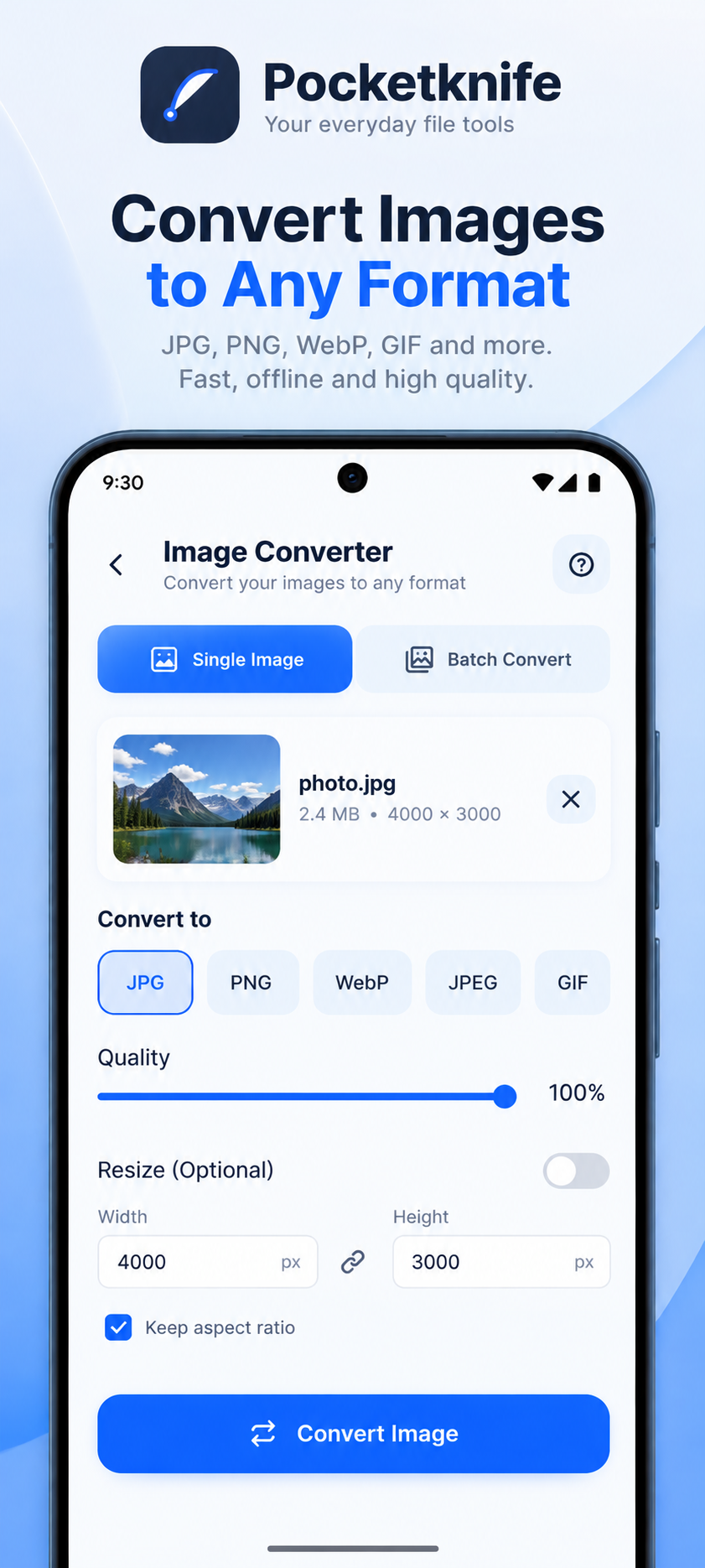
A practical collection of document and image tools — merge PDFs, resize and convert images.
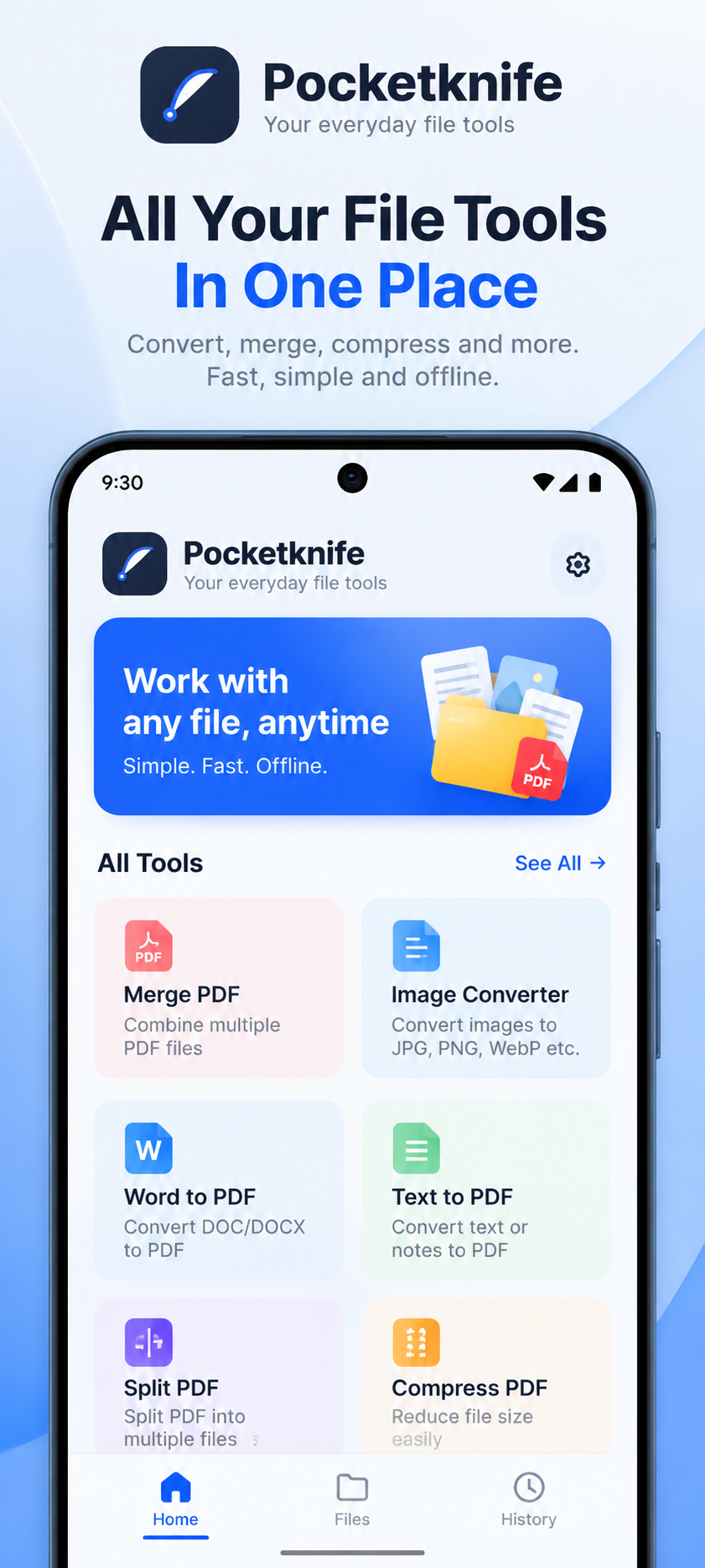
// Screenshots
Demo mockups — click any screen to enlarge.
// Overview
Pocket Knife bundles small, frequently needed utilities into one Android app. Instead of hunting for a different website every time, you can merge PDF files, resize images and convert image formats from a single place.
Key features
PDF merging
Combine several PDF documents into one file.
Image resizing
Change image dimensions for uploads, forms and sharing.
Format conversion
Convert images between common formats.
// Setup guide — 5 steps
- 1
Download the APK
Select the Download APK button for Pocket Knife and save the installation file from the configured source.
- 2
Locate the file
Open your device's Downloads folder or your browser's download history.
- 3
Start installation
Open the APK file. If Android asks for permission to install apps from that source, review it and enable it only if you trust the source.
- 4
Install the application
Follow the Android installation screen and wait for installation to finish.
- 5
Open and explore
Launch Pocket Knife and explore its available features.
Note: APK installation behaviour can vary between Android versions and device manufacturers.
Limitations & compatibility
- Available for Android only.
- Large files may take longer to process on older devices.