Pocket Knife Extension
Utility toolkit in your browser.
A browser-based utility toolkit for PDF merging, image resizing and image format conversion.
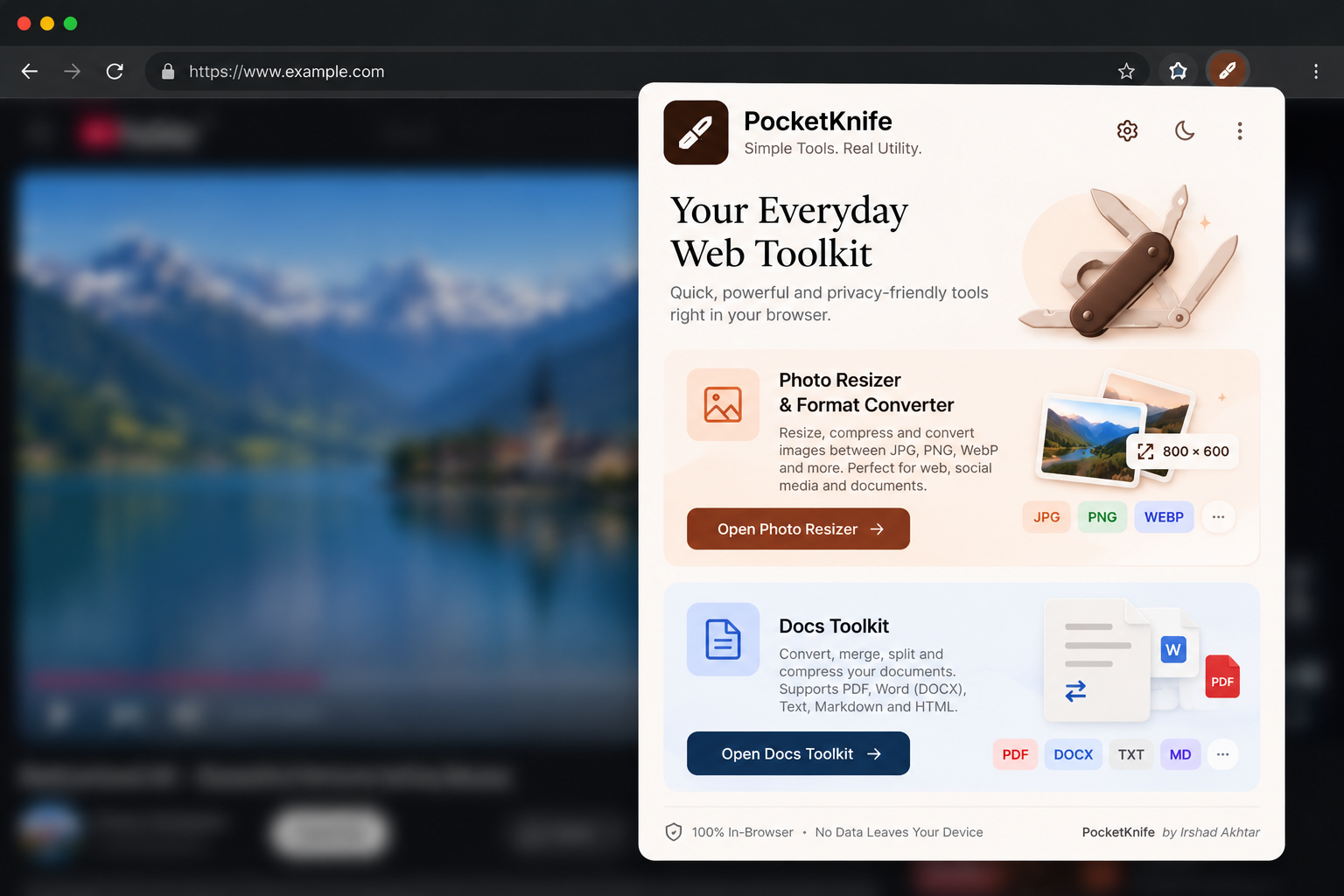
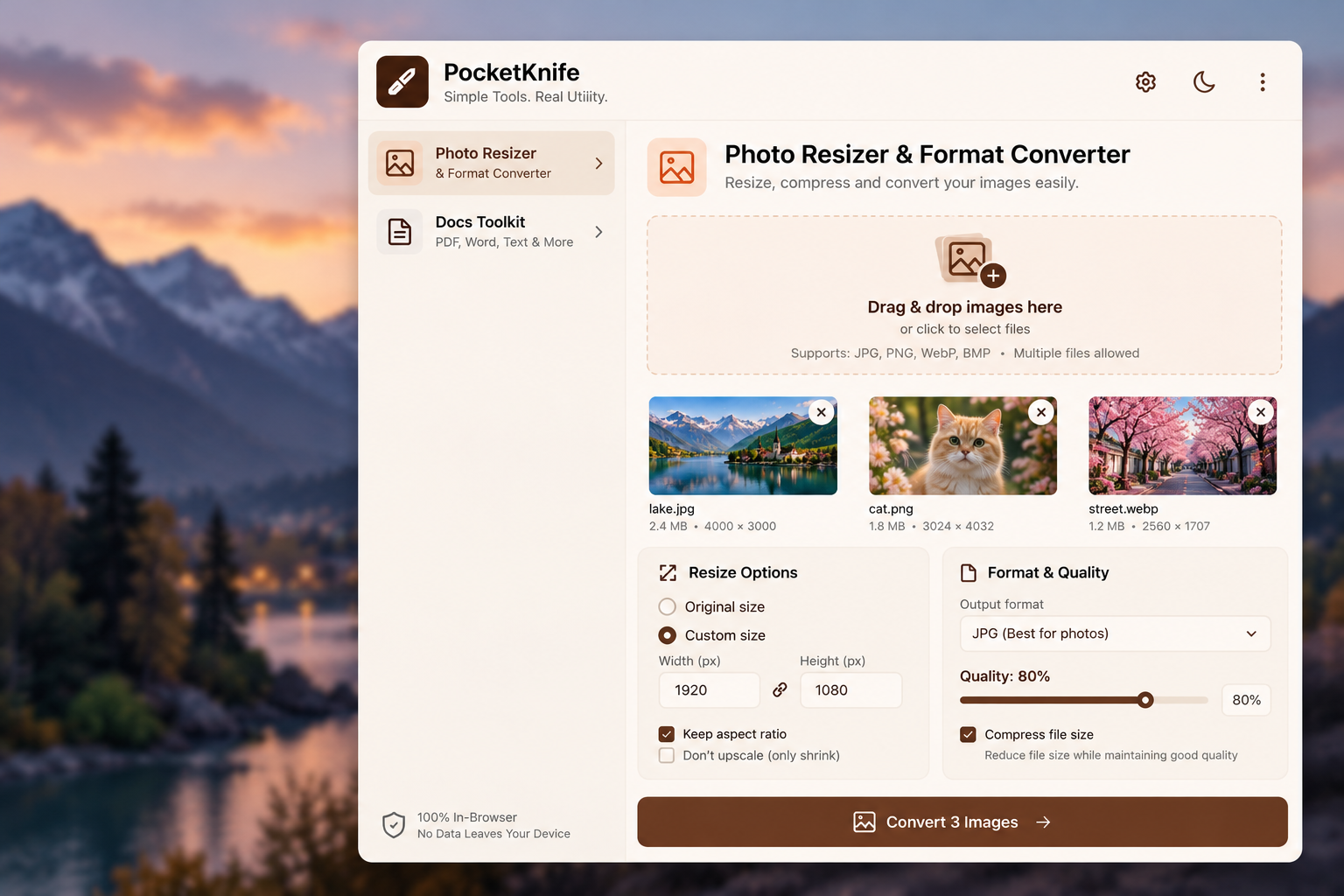
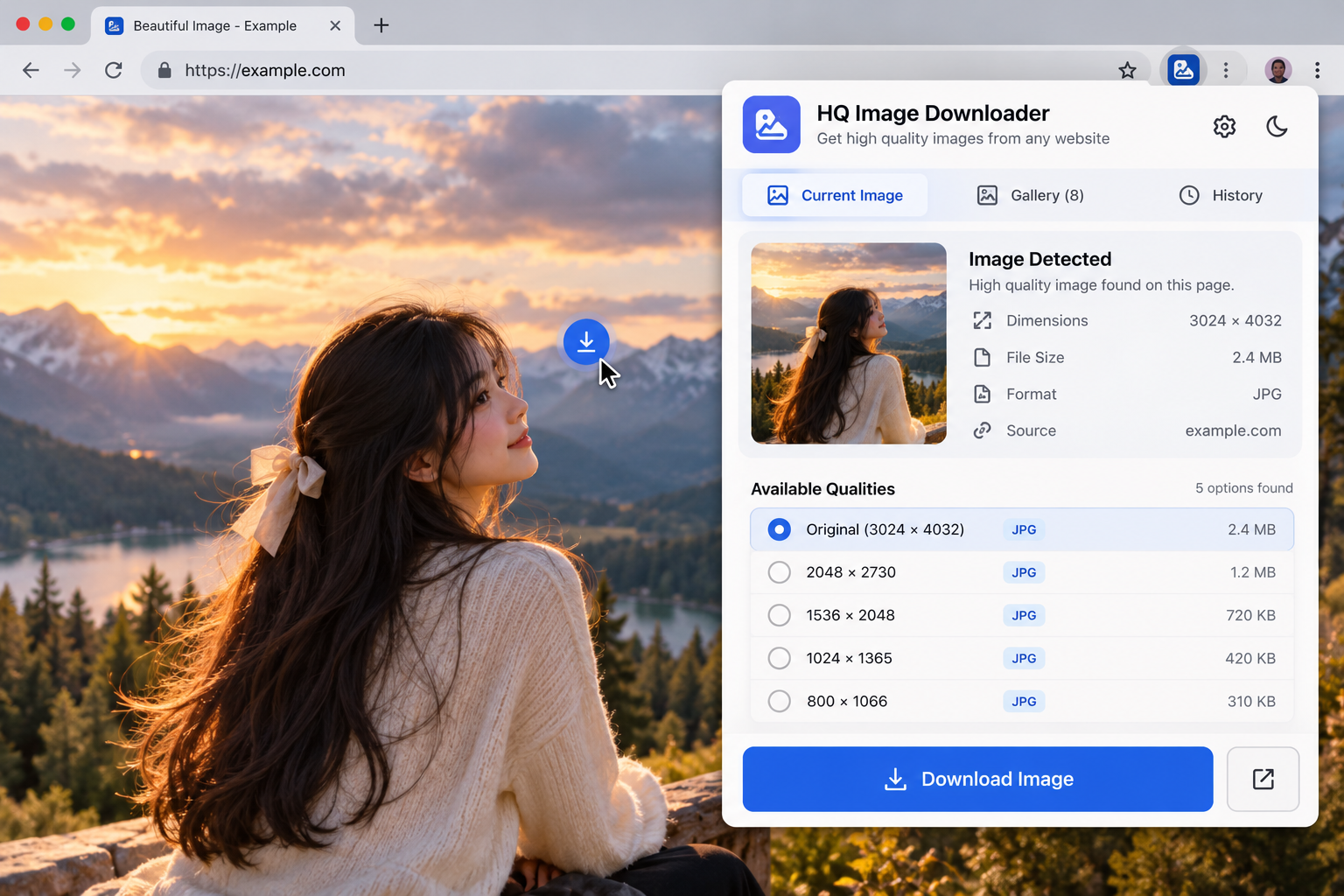
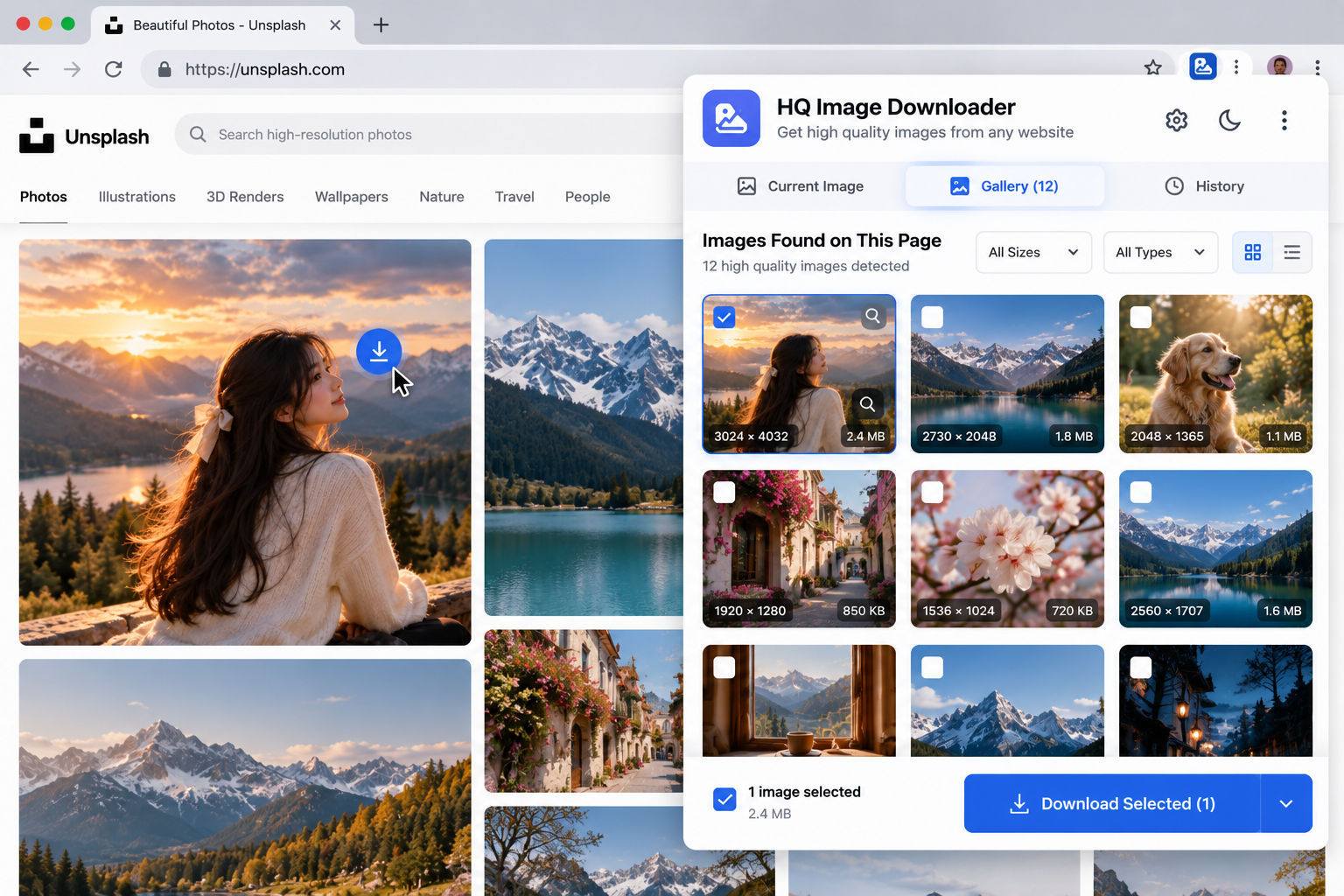
// Screenshots
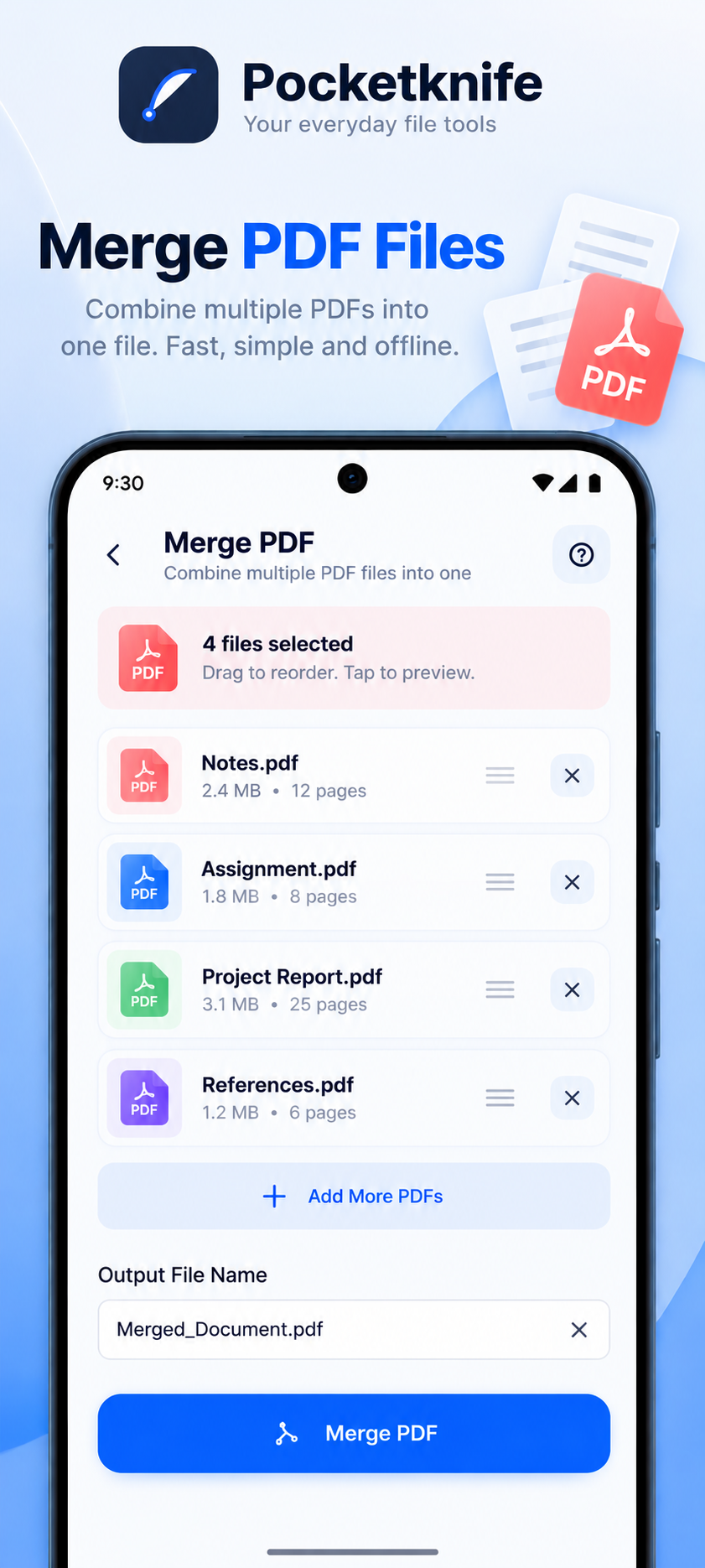
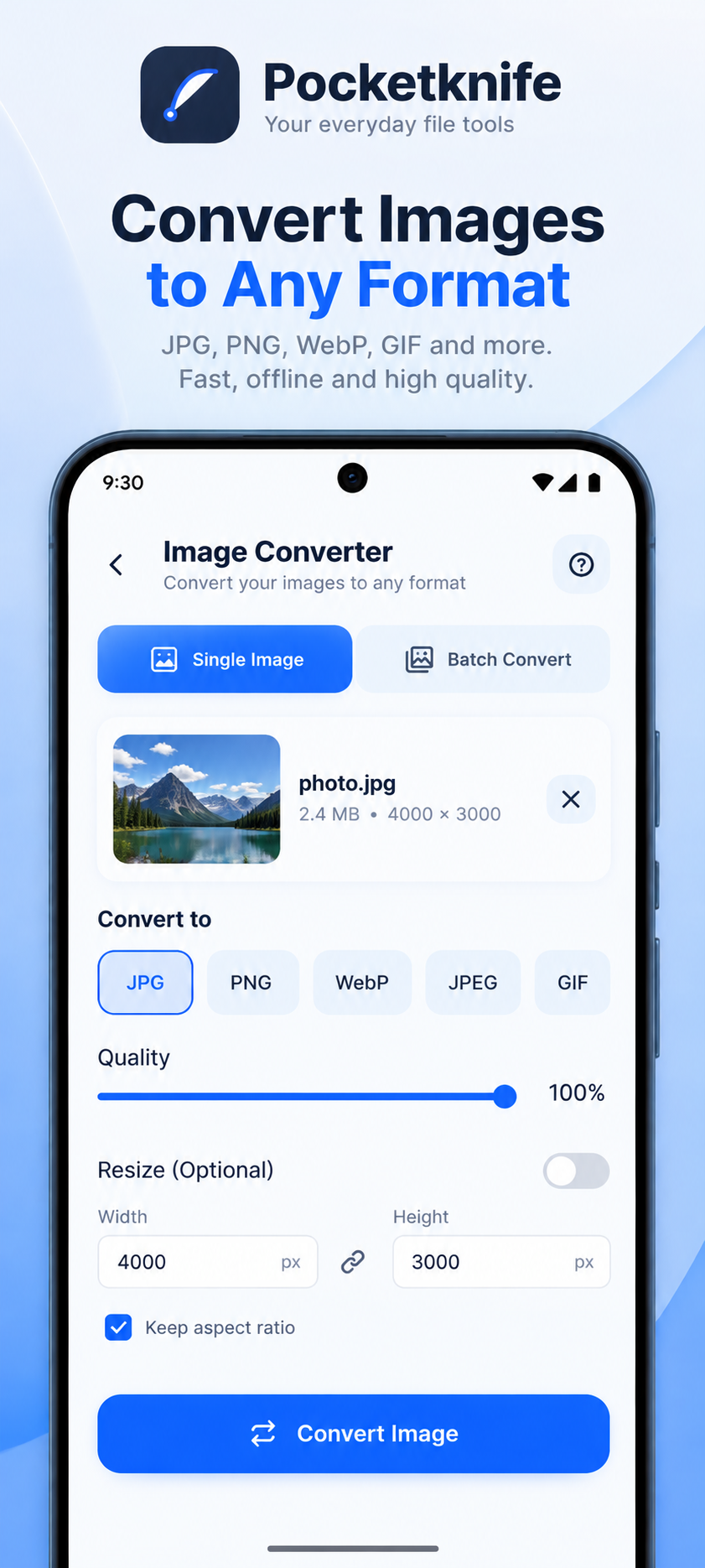
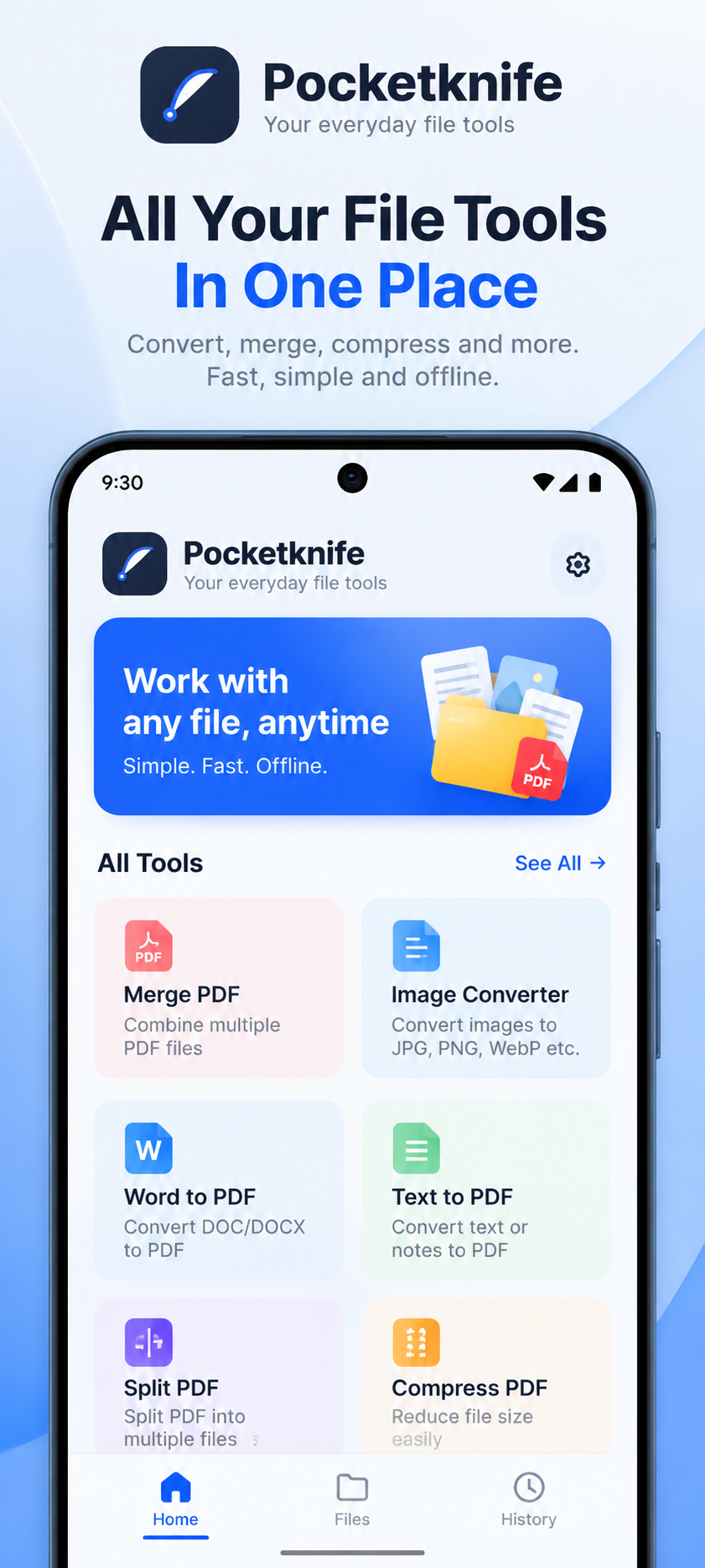
Demo mockups — click any screen to enlarge.
// Overview
The Pocket Knife extension puts the same everyday document and image tools into your browser, so quick conversions are always one click away.
Key features
PDF merging
Combine PDF files from the extension popup.
Image resizing
Resize images without leaving the browser.
Format conversion
Convert images between common formats.
// Setup guide — 5 steps
- 1
Obtain the extension
Download the supplied Pocket Knife Extension extension package.
- 2
Prepare the package
Extract the ZIP archive into a folder you'll keep.
- 3
Open extension management
Navigate to your browser's extensions page (for example chrome://extensions).
- 4
Install the extension
Enable Developer Mode if required, choose Load Unpacked and select the extracted folder.
- 5
Open and use
Open Pocket Knife Extension from the browser toolbar or extensions menu and explore what it can do.
Only load unpacked extensions from a source you trust. Never disable browser security checks to install an extension.
Limitations & compatibility
- Very large files may be slow to process in the browser.