
HQ Image Downloader
Find images at their best available quality.
A browser extension that helps you find and download images at the best available quality.
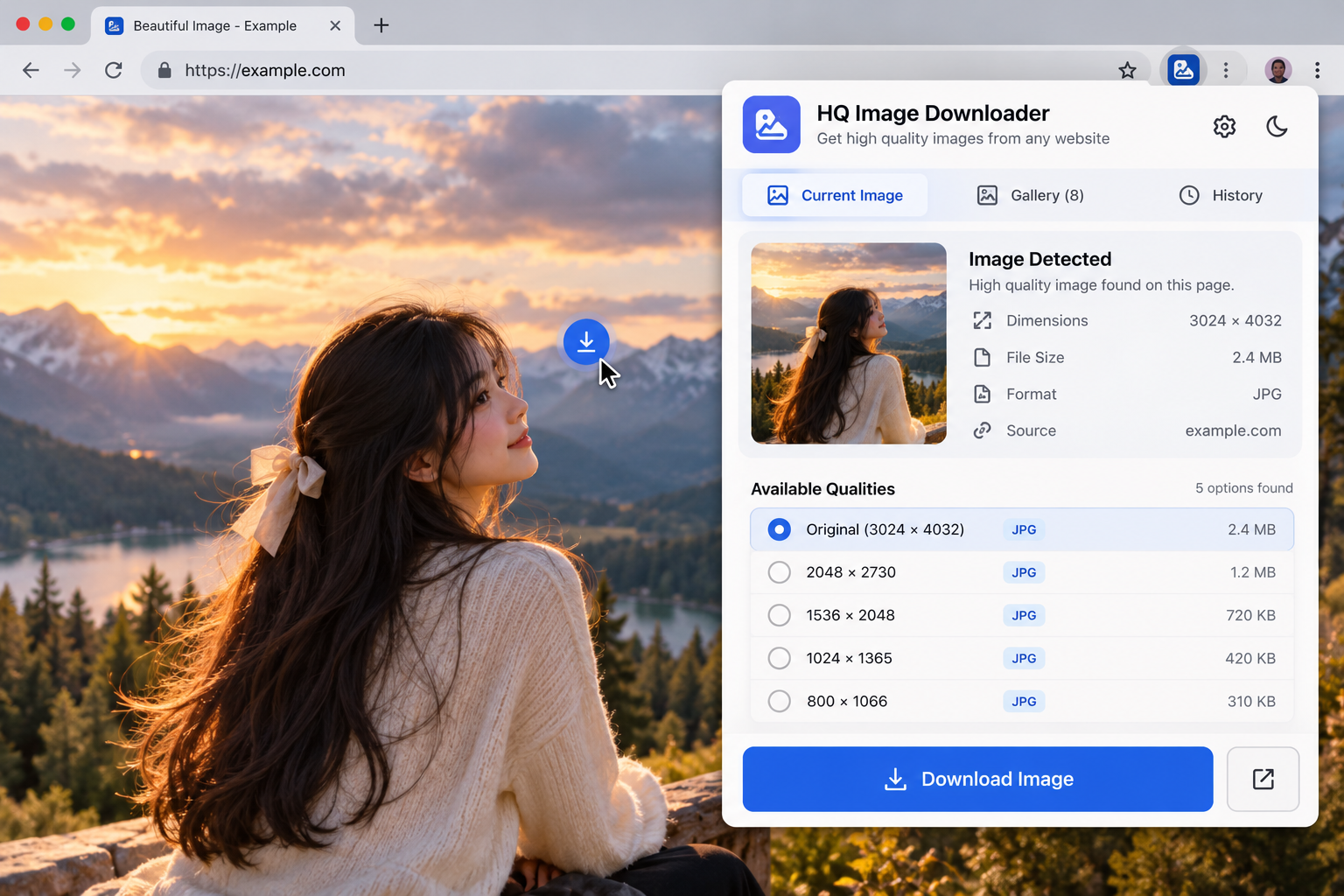
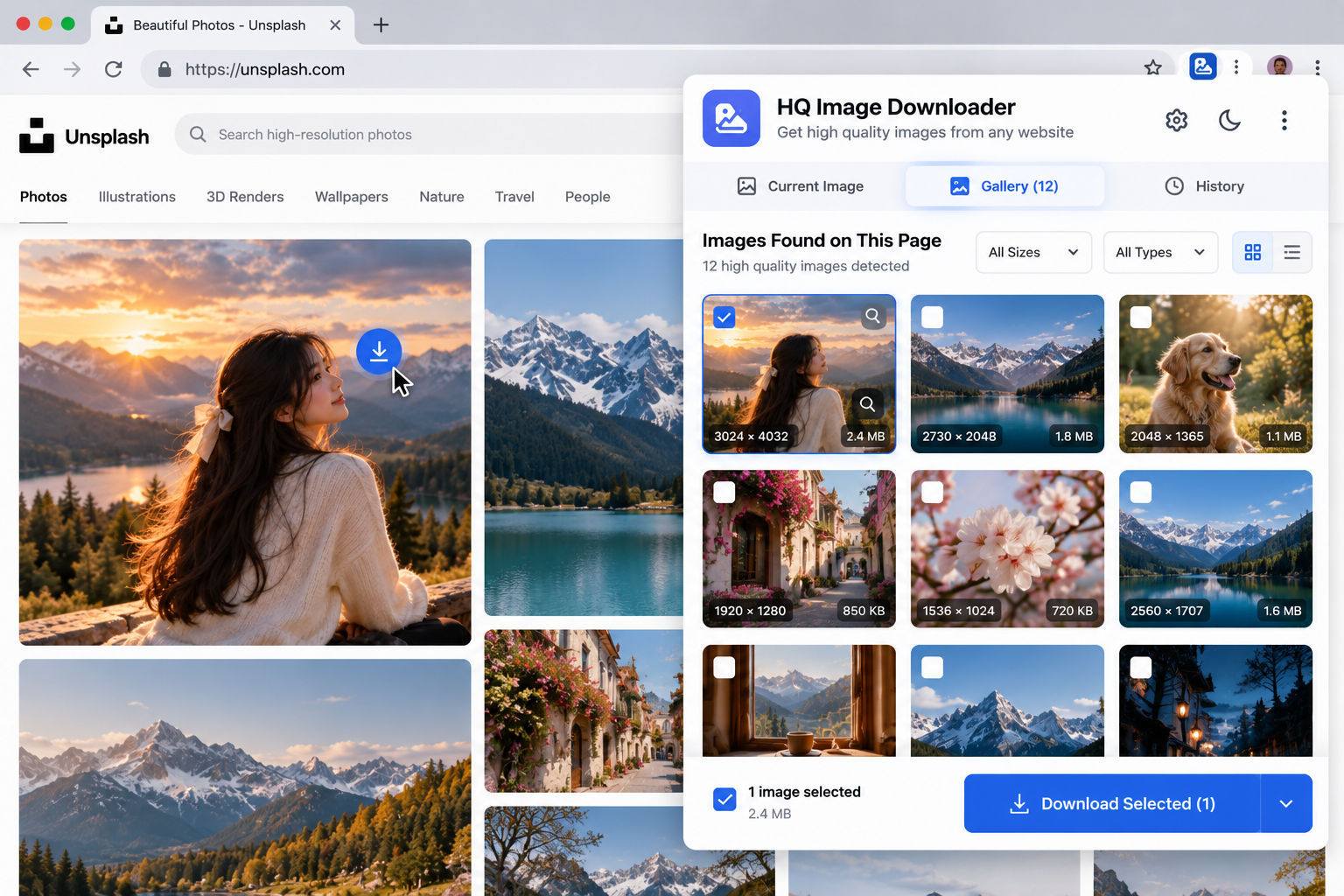
// Screenshots
Demo mockups — click any screen to enlarge.
// Overview
HQ Image Downloader scans the current page for images and highlights the highest-resolution version available, so you can save the best copy instead of a blurry thumbnail.
Key features
Image previews
See the images found on the current page at a glance.
Quality selection
Choose the largest available version of an image.
Quick save
Download your selection in a click.
// Setup guide — 5 steps
- 1
Obtain the extension
Download the supplied HQ Image Downloader extension package.
- 2
Prepare the package
Extract the ZIP archive into a folder you'll keep.
- 3
Open extension management
Navigate to your browser's extensions page (for example chrome://extensions).
- 4
Install the extension
Enable Developer Mode if required, choose Load Unpacked and select the extracted folder.
- 5
Open and use
Open HQ Image Downloader from the browser toolbar or extensions menu and explore what it can do.
Only load unpacked extensions from a source you trust. Never disable browser security checks to install an extension.
Limitations & compatibility
- Not every image source is supported; some sites restrict access to originals.
// Related projects

Omni Video Downloader Extension
Browser Extension
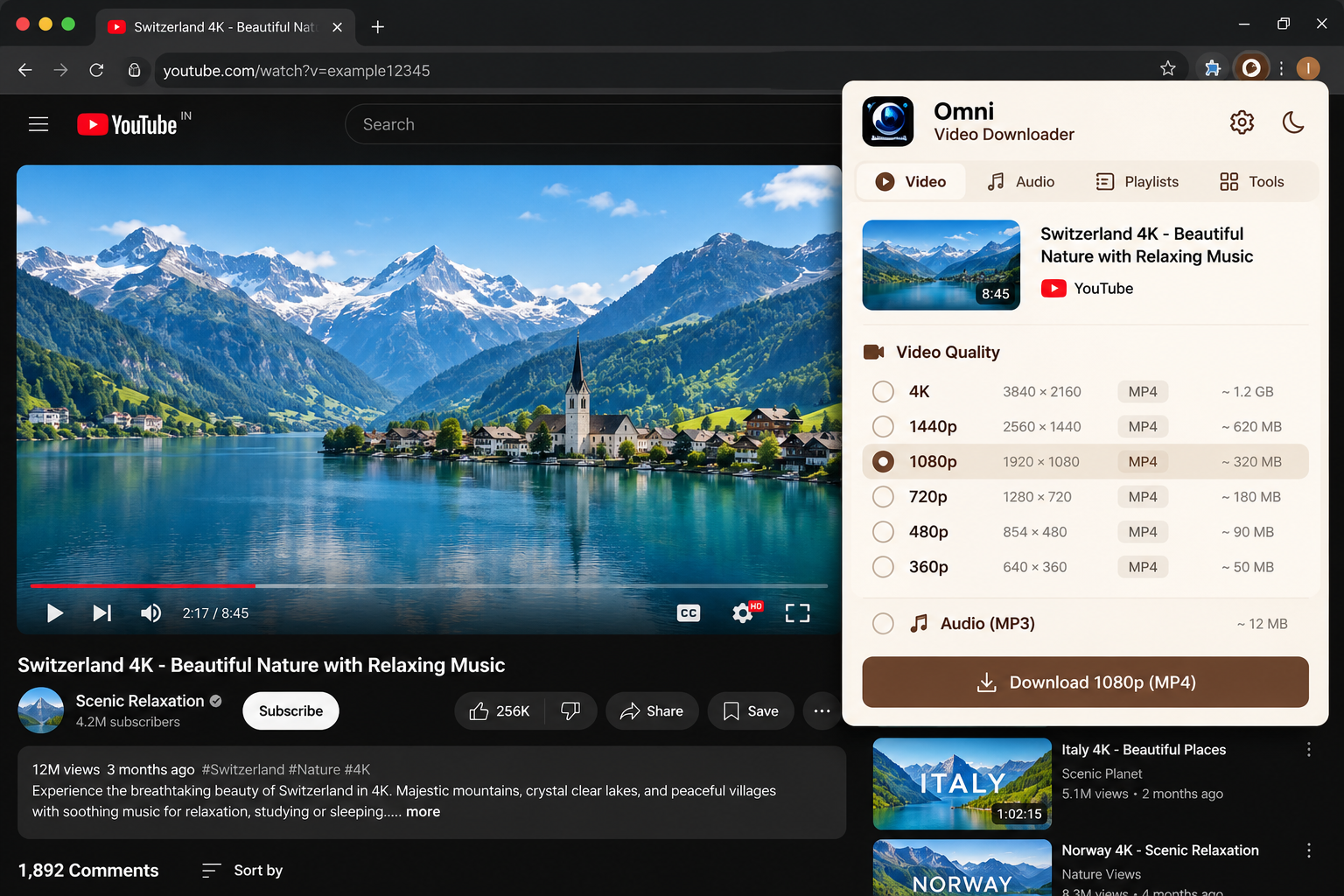
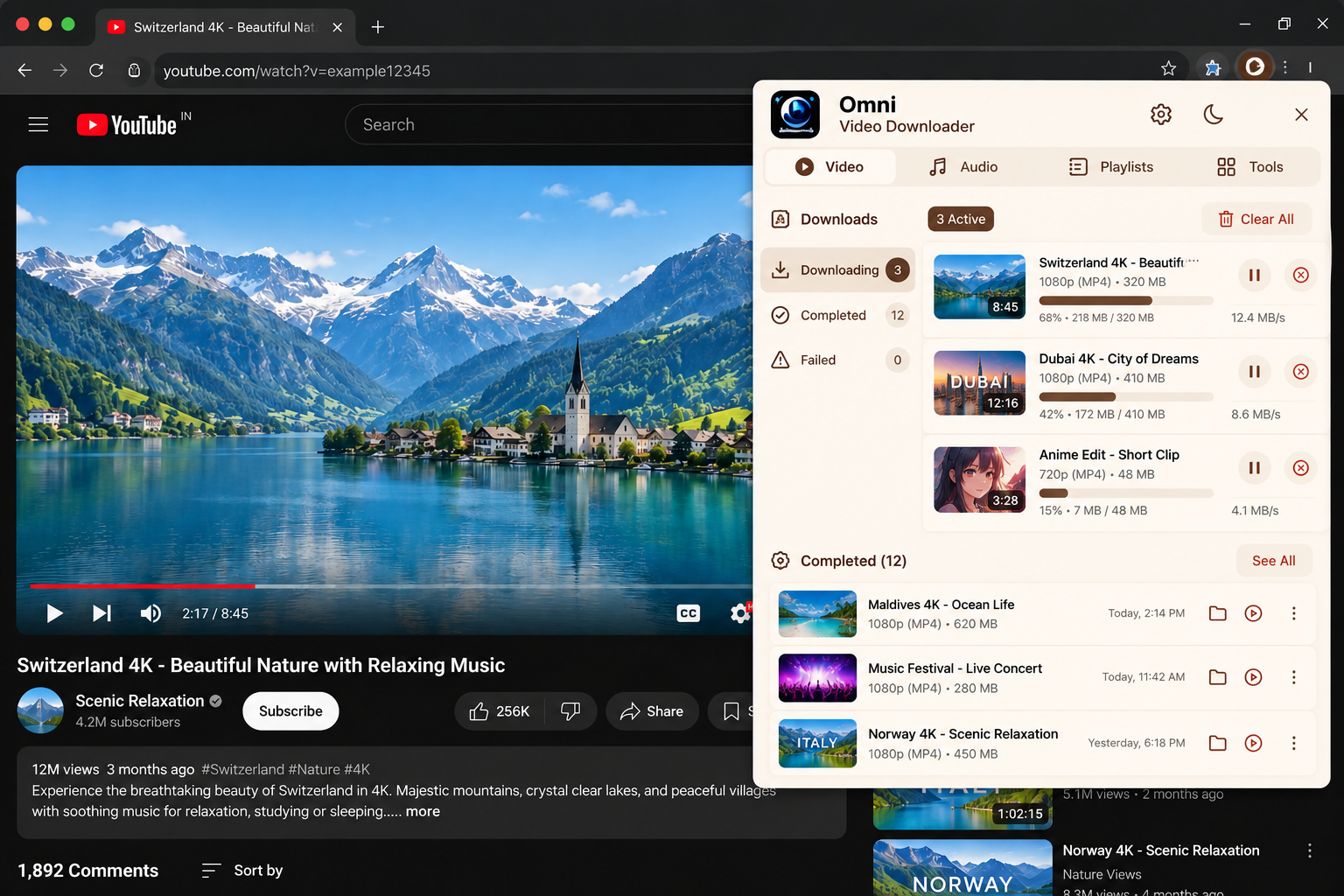
A browser extension for downloading supported online videos from a wide range of websites.
View case study
Pocket Knife Extension
Browser Extension
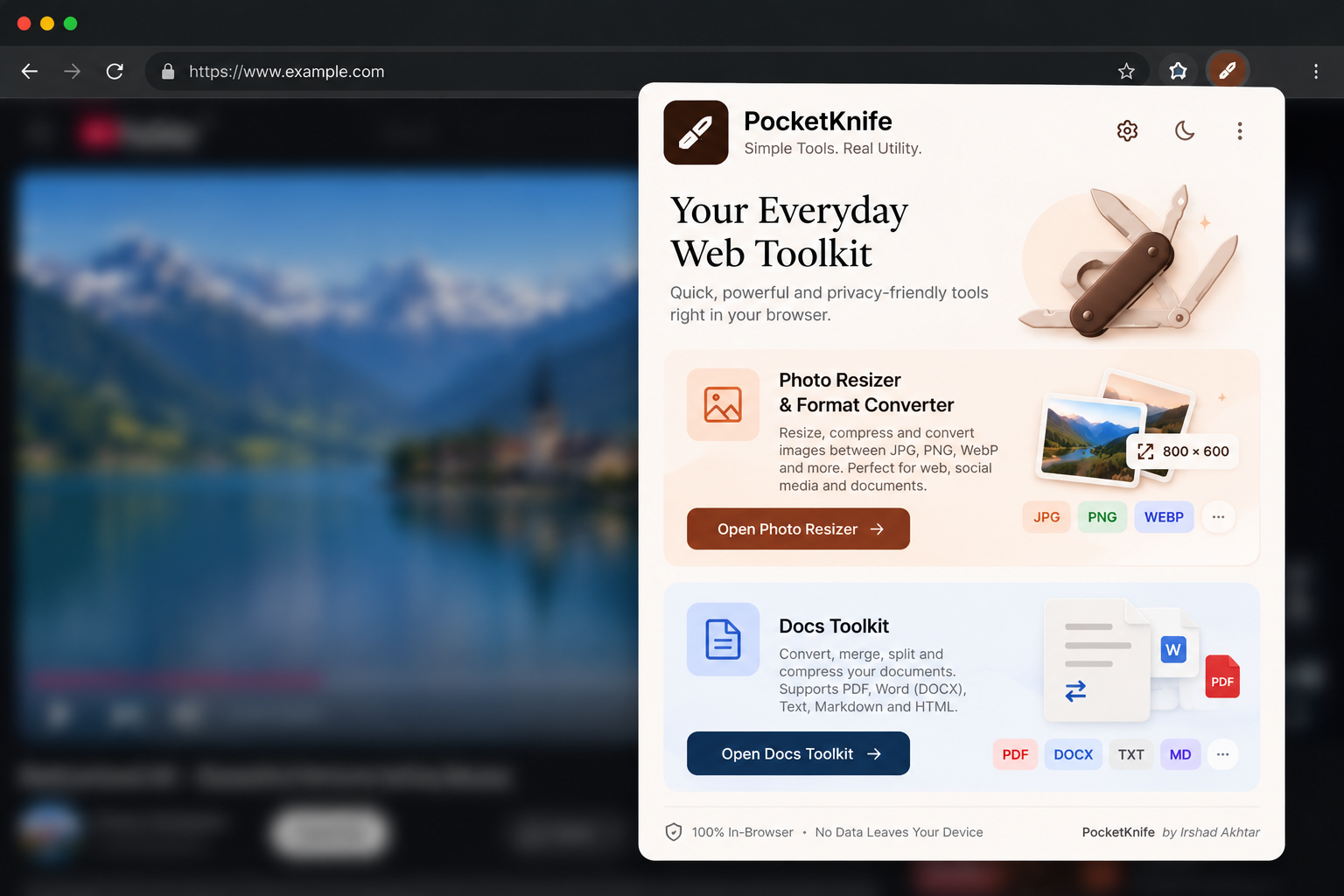
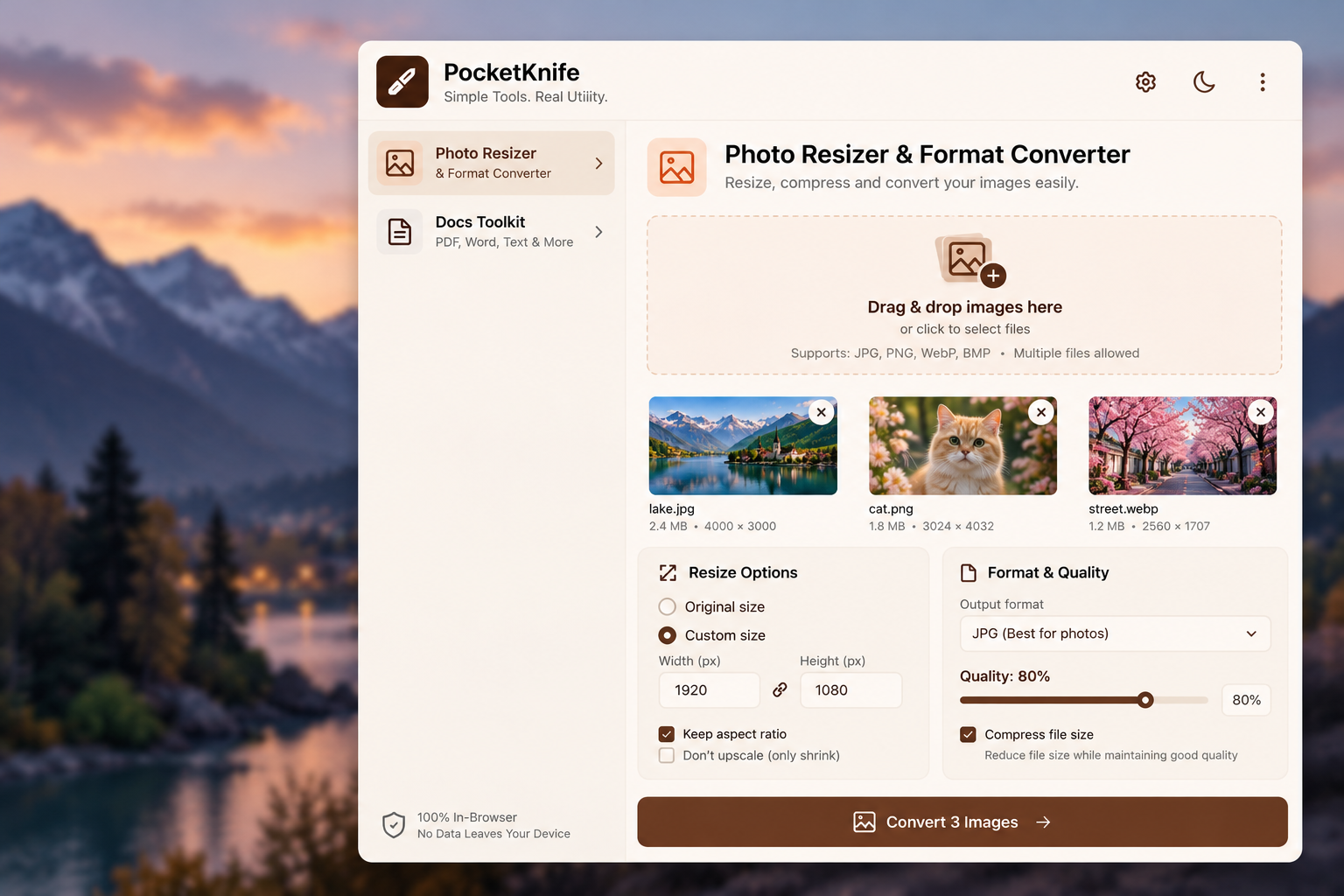
A browser-based utility toolkit for PDF merging, image resizing and image format conversion.
View case study